Lightning Cables UK — USB-C to Lightning & Apple Lightning Guide
The complete guide to Apple Lightning cables. Compare USB-C to Lightning cables for fast charging, USB to Lightning cables for legacy chargers, and find the best MFi-certified Lightning cable for iPhone. Free UK delivery on all orders.
Fast-charge a Lightning iPhone
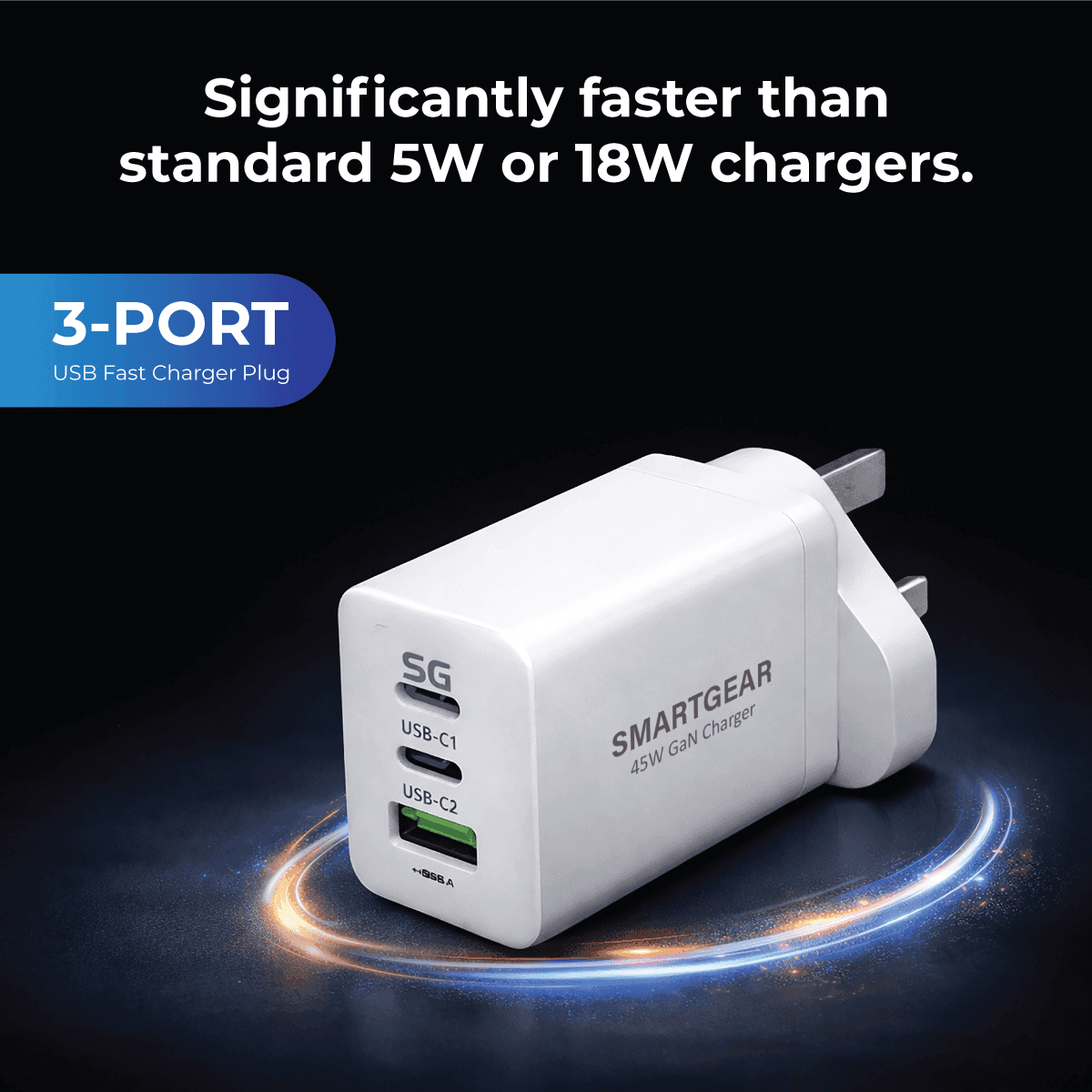
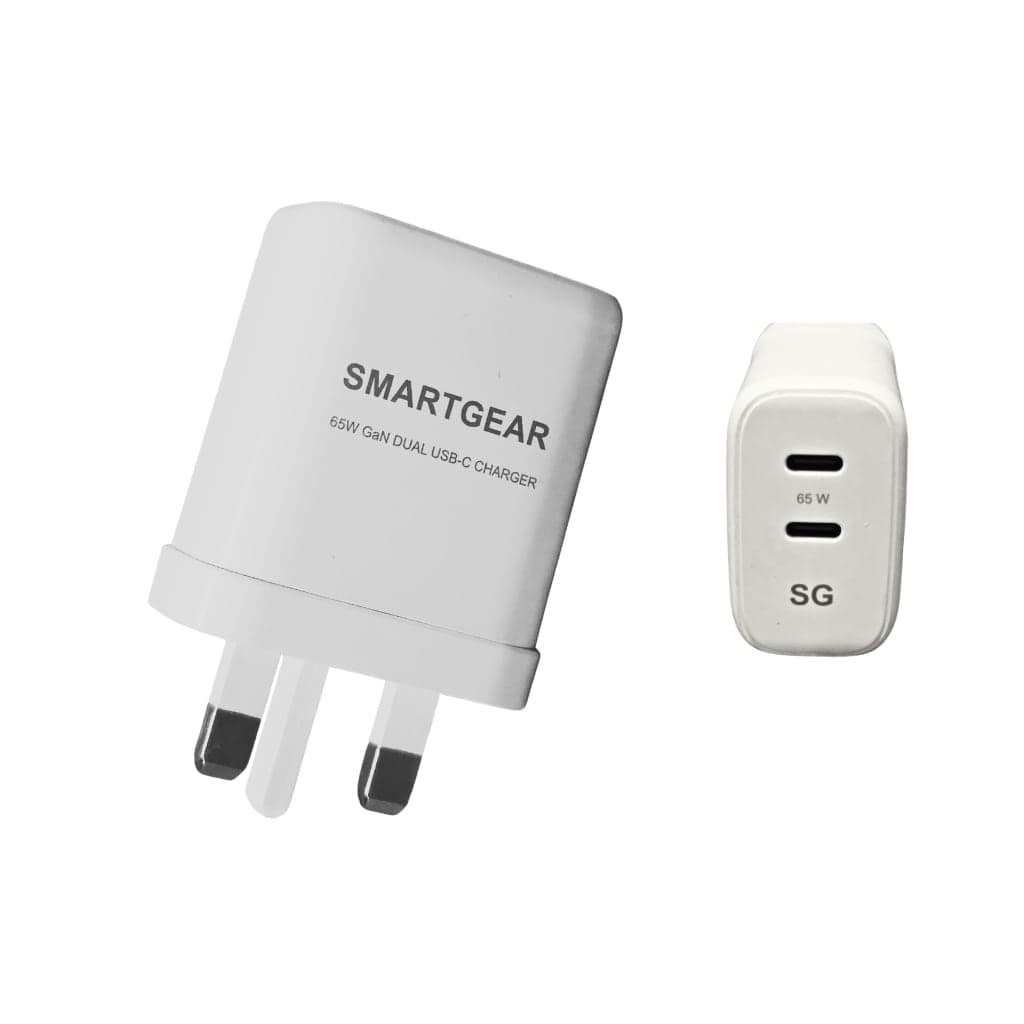
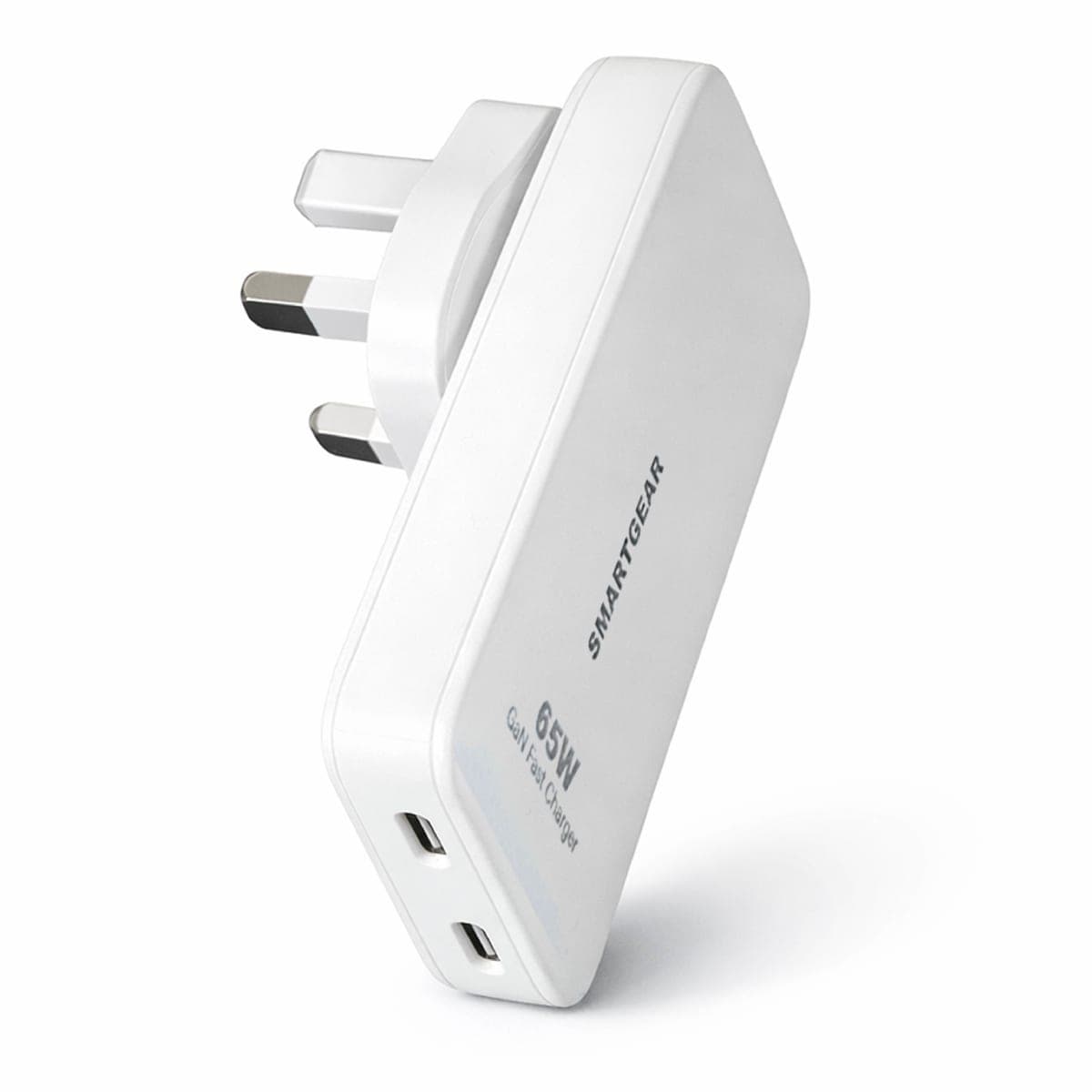
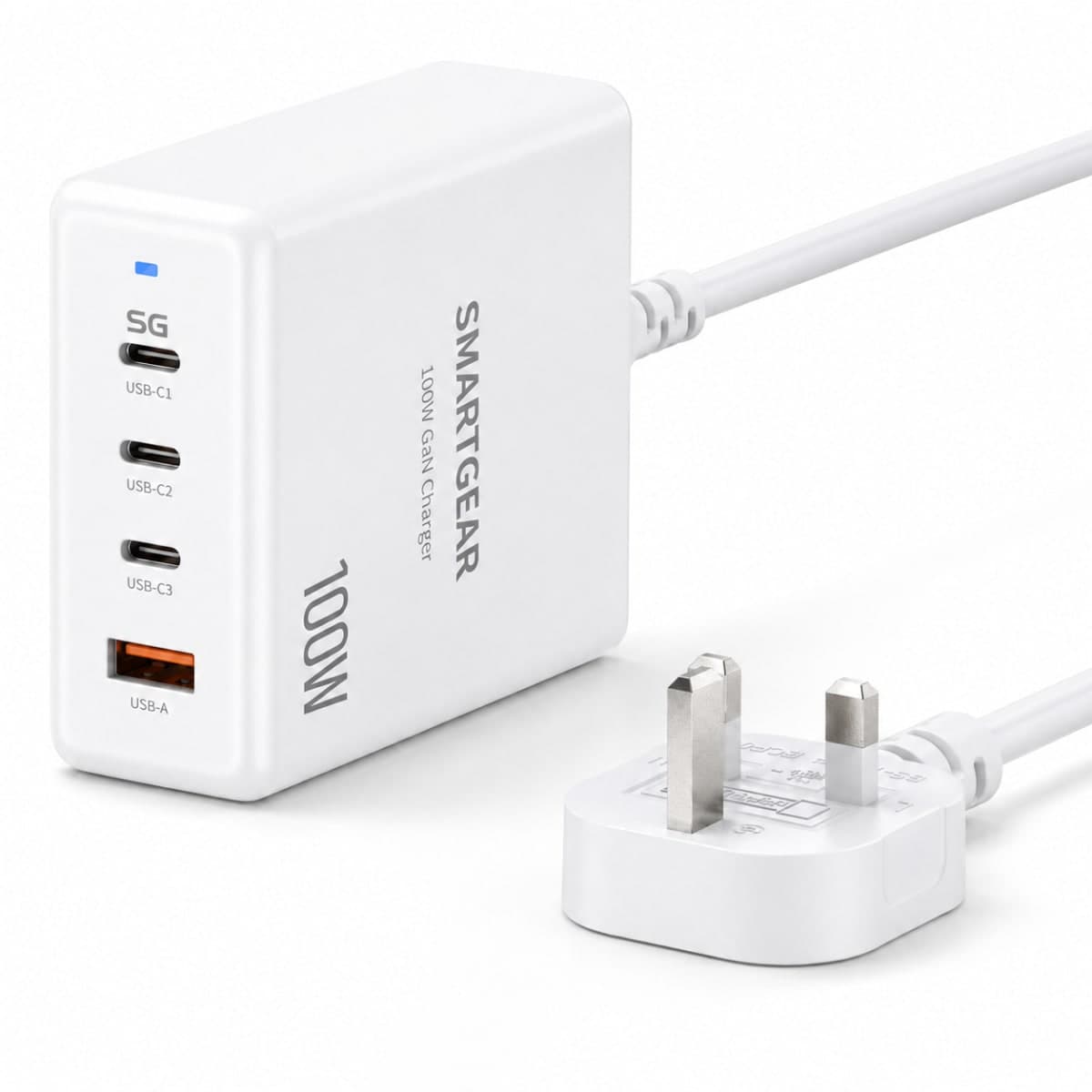
All productsAny USB-C PD charger fast-charges a Lightning iPhone through a USB-C to Lightning cable. These start at £13.49.
What Is an Apple Lightning Cable?
A cable Apple Lightning (commonly called a Lightning cable or Lightning wire iPhone) is Apple's proprietary charging and data cable. The Lightning connector is a small, flat, 8-pin reversible plug introduced in 2012 with the iPhone 5. It replaced Apple's older 30-pin dock connector with a significantly smaller and more durable design.
2012–2023
Lightning connector lifespan on iPhones
27W
Max fast charging via USB-C to Lightning
MFi
Apple certification for safe, reliable cables
Which Devices Use a Lightning Cable?
The Lightning connector is used on a wide range of Apple devices. You need a cable for Lightning if you own any of these:
Lightning Cable Types — Which Do You Need?
There are two main types of Lightning cable. Choose based on whether your charger has a USB-C or USB-A port.
USB-C to Lightning Cable
The recommended cable for all Lightning iPhones. A USB-C to Lightning cable paired with a 20W+ USB-C PD charger delivers fast charging — 0% to 50% in about 30 minutes on iPhone 8 and later.
Best For
Fast charging iPhone 8–14, iPad, AirPods with USB-C charger
Data Speeds
USB 2.0: 480 Mbps (Lightning limitation)
Charging
Up to 27W with USB-C PD charger (20W+ adapter)
UGREEN USB-C to Lightning MFi Braided (1.2m)
- Apple MFi certified
- 20W PD fast charging
- Braided nylon — 10,000+ bends
- Works with all Lightning iPhones
USB-A to Lightning Cable
The classic Apple Lightning cable. A USB-A to Lightning cable connects your iPhone, iPad, or AirPods to older USB-A chargers, power banks, PCs, and car chargers. Standard charging only — no fast charging.
Best For
Charging with USB-A chargers, power banks, PCs, car chargers
Data Speeds
USB 2.0: 480 Mbps
Charging
Up to 12W with iPad charger · 5W with standard charger
UGREEN USB-A to Lightning MFi Braided (1m)
- Apple MFi certified
- 2.4A charging (12W max)
- Braided nylon construction
- Compatible with iPhone 5–14, iPad, AirPods
USB-C to Lightning Cable: iPhone Fast Charging Explained
A USB-C to Lightning cable (also written as cable Lightning to USB C, Lightning to USB C cable, or USB-C and Lightning cable) is the key to unlocking fast charging on older iPhones. When paired with a 20W+ USB-C PD charger, this charger cable Lightning setup delivers up to 27W — charging your iPhone from 0% to 50% in approximately 30 minutes.
How to Fast Charge Your iPhone
Get a USB-C PD charger rated at 20W or higher. Our iPhone charger guide has tested recommendations.
Use a USB-C to Lightning cable (MFi certified). This is the Lightning to USB cable that enables fast charging.
Plug in and charge. Your iPhone 8 or later will automatically negotiate fast charging. You'll see the battery icon fill noticeably faster.
With USB-C to Lightning
- ✓ 0–50% in ~30 minutes
- ✓ Up to 27W fast charging
- ✓ USB PD protocol
- ✓ Recommended for iPhone 8–14
With USB-A to Lightning
- - 0–50% in ~60+ minutes
- - Max 12W standard charging
- - No fast charge protocol
- - Works but much slower
iPhone 15 & Later: No Lightning Cable Needed
Starting with iPhone 15 (September 2023), Apple switched from the Lightning connector to USB-C. This means iPhone 15, 15 Plus, 15 Pro, 15 Pro Max, and the entire iPhone 16 series all use a USB-C to USB-C cable instead of a Lightning cable.
The EU's common charger directive mandated USB-C as the universal standard, which is why Apple made the switch. If you've upgraded to iPhone 15 or later, you no longer need any Lightning USB cable — head to our USB cables guide instead.
Lightning vs USB-C — What's the Difference?
How Apple's Lightning connector compares to the universal USB-C standard.
| Feature | Lightning | USB-C |
|---|---|---|
| Connector shape | Flat 8-pin (Apple proprietary) | Oval 24-pin (universal standard) |
| Introduced | 2012 (iPhone 5) | 2015 (iPhone 15 in 2023) |
| Max data speed | 480 Mbps (USB 2.0) | 40 Gbps (USB4 / Thunderbolt) |
| Max charging | 27W (with USB-C PD charger) | 240W (USB PD 3.1) |
| Fast charging | Requires USB-C to Lightning cable | Native with any USB-C PD cable |
| Reversible | Yes | Yes |
| Video output | Via adapter only | Native (DisplayPort Alt Mode) |
| Devices (2026) | iPhone 5–14, older iPad, AirPods | iPhone 15+, iPad Pro/Air, MacBook, Android |
| Future | Being phased out | Universal standard (EU mandated) |
Lightning is Apple's proprietary connector. USB-C is a universal standard adopted across all manufacturers.
Lightning Cable Compatibility & Fast Charging Table
Find the right Lightning cable for iPhone and check fast charging support for your device.
| Device | Port | Fast Charge? | Max Watts |
|---|---|---|---|
| iPhone 14 / 14 Pro / 14 Pro Max | Lightning | Yes (USB-C to Lightning + 20W PD) | 27W |
| iPhone 13 / 13 Pro / 13 Mini | Lightning | Yes (USB-C to Lightning + 20W PD) | 27W |
| iPhone 12 / 12 Pro / 12 Mini | Lightning | Yes (USB-C to Lightning + 20W PD) | 20W |
| iPhone SE (2nd & 3rd gen) | Lightning | Yes (USB-C to Lightning + 20W PD) | 20W |
| iPhone 8 / X / XR / XS / 11 | Lightning | Yes (USB-C to Lightning + 18W+ PD) | 18W |
| iPhone 5 / 5S / 6 / 6S / 7 | Lightning | No | 12W |
| iPad (9th/10th gen with Lightning) | Lightning | Yes (USB-C to Lightning + 20W PD) | 20W |
| AirPods / AirPods Pro (Lightning case) | Lightning | No | 5W |
How to Choose the Right Lightning Cable
Four things to check before buying any Lightning cable to USB or Lightning to USB C cable.
1.Check for MFi Certification
Always buy MFi (Made for iPhone) certified Lightning cables. Non-MFi cables may trigger warnings, charge slowly, or stop working after iOS updates. Look for the MFi logo on the packaging.
2.Choose USB-C to Lightning for Fast Charging
If your charger has a USB-C port, pick a USB-C to Lightning cable. This enables fast charging (up to 27W) on iPhone 8 and later. USB-A to Lightning cables are limited to 12W standard charging.
3.Pick the Right Length
Choose 1 metre for everyday use, 0.5 metres for portability or power banks, and 2 metres for bedside charging. Avoid cables longer than 3 metres — charging efficiency drops with length.
4.Go Braided for Durability
Braided nylon Lightning cables last 3–5x longer than rubber cables. The connector ends are reinforced to prevent fraying — the most common failure point. UGREEN, Anker, and Baseus all offer premium braided options.
Pair Your Lightning Cable with the Right Charger
A charger cable Lightning setup is only as fast as the weakest link. Match the right cable with the right charger for your iPhone.
Fast Charging Setup
- ✓ Cable: USB-C to Lightning (MFi)
- ✓ Charger: 20W+ USB-C PD charger
- ✓ Speed: 0–50% in ~30 minutes
- ✓ Best for: iPhone 8–14
Standard Charging Setup
- - Cable: USB-A to Lightning
- - Charger: USB-A charger (5W–12W)
- - Speed: 0–100% in 3+ hours
- - Use: Overnight charging, power banks
Why MFi Certification Matters for Lightning Cables
Every genuine cable Apple Lightning contains a tiny authentication chip that communicates with your iPhone. MFi (Made for iPhone/iPad/iPod) certification from Apple guarantees that the cable has passed rigorous testing for safety, durability, and compatibility. Here's why it matters:
MFi Certified
- ✓ Guaranteed compatible with all iOS versions
- ✓ Safe overcurrent and overvoltage protection
- ✓ Full fast charging support (USB-C to Lightning)
- ✓ No "This accessory is not supported" warnings
Non-MFi / Uncertified
- - May stop working after iOS updates
- - No safety certifications or protections
- - Often limited to slow charging only
- - Risk of "accessory not supported" errors
Our recommendation: Only buy MFi-certified Lightning cables from established brands. UGREEN, Anker, and Baseus all offer affordable MFi-certified options that are tested to Apple's standards. Browse UGREEN MFi Lightning cables.
Lightning Cable FAQs
Common questions about Lightning cables, fast charging, MFi certification, and compatibility.
What is a Lightning cable?
What is the difference between a USB-C to Lightning cable and a USB-A to Lightning cable?
Does iPhone 15 use a Lightning cable?
Can I fast charge my iPhone with a Lightning cable?
What does MFi certified mean for Lightning cables?
How long do Lightning cables last?
Can I use a Lightning cable for data transfer?
Which Lightning cable should I buy in 2026?
Related Guides & Articles
Best USB Cables UK (2026)
USB-C to USB-A, USB-C to USB-C, Lightning & HDMI cables compared and tested.
iPhone Charger Guide
Best chargers for iPhone 16, 15, 14 and older. USB-C PD and MagSafe options.
USB-C Charger Guide
Complete guide to USB-C chargers. GaN technology, wattage, and compatibility.
Phone Charger Guide
Wired, wireless, and portable phone chargers for every device.
Best Power Banks UK
Portable chargers and battery packs for phones and laptops on the go.
Best USB-C Cables UK
In-depth reviews of every USB-C cable we've tested — ranked by speed and value.
Get the Right Lightning Cable for Your iPhone
MFi-certified, fast-charging Lightning cables from trusted brands. Braided durability, Apple-approved quality, free UK delivery.