Best USB Cables UK — Every Type Compared
The complete guide to USB cables. Compare USB Type-C cables to USB, USB-C to USB-C, USB-C to Lightning, and USB-C to HDMI cables. Speed-rated, expert-tested, with free UK delivery.
SmartGear Cables — Made for Fast Charging
Our own-brand cables are built to the same PD 3.1 spec as the big brands — at a fraction of the price. Free UK delivery on every order.
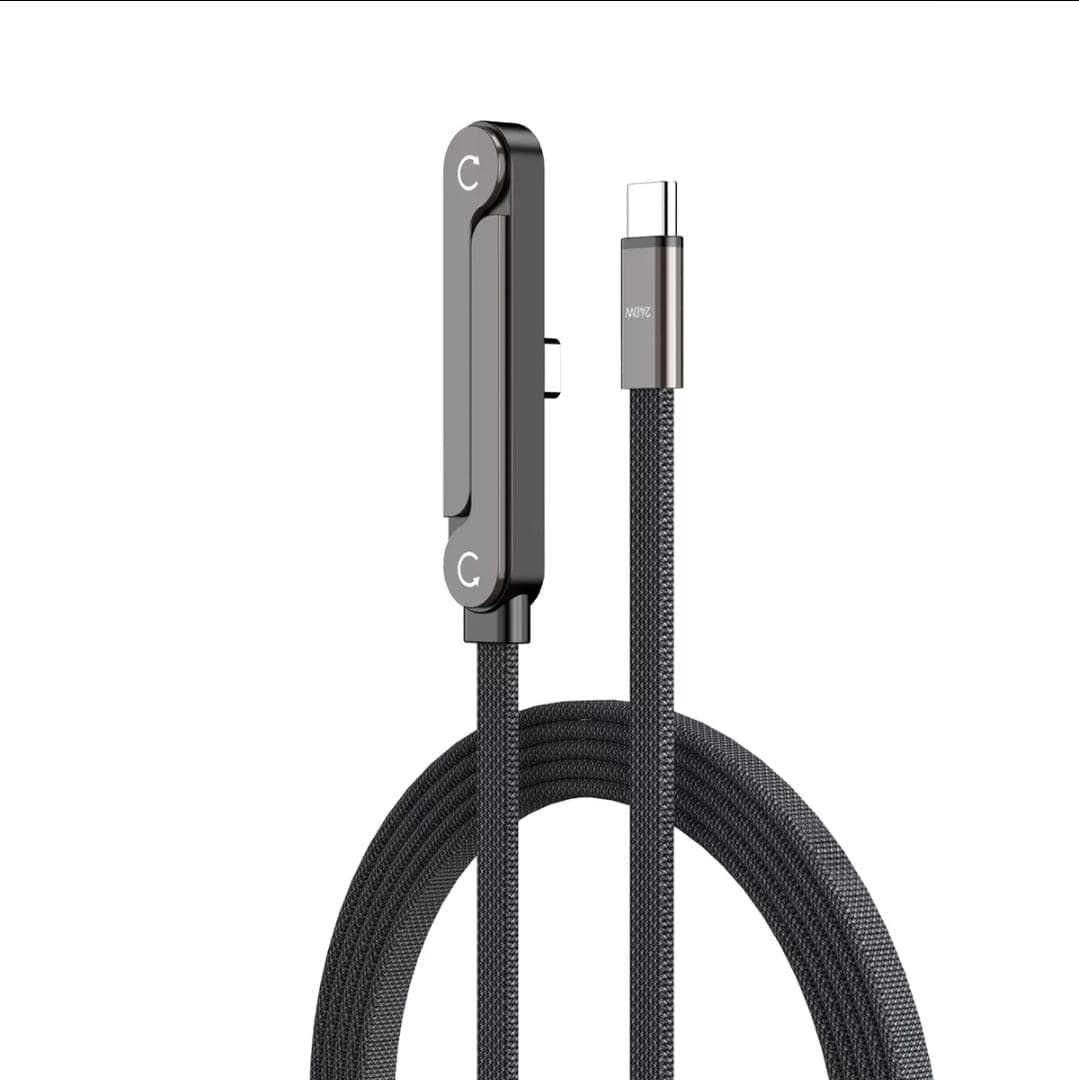
SMARTGEAR 100W E-Marker Cable — Every Pack Size
Same 2m cable, three pack sizes · Free UK delivery
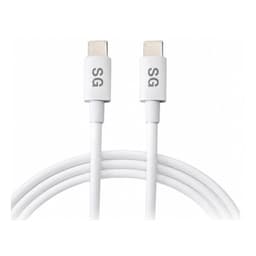
SmartGear 100W Cable — Single
- E-Marker chip · 20V/5A
- 2m braided nylon
- 20,000+ bend cycles
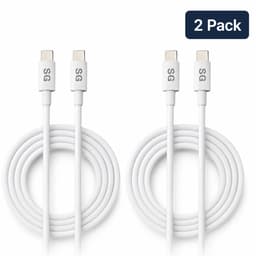
SmartGear 100W Cable — 2-Pack
- Two identical 2m cables
- One for the desk, one for the bag
- Same 100W E-Marker spec
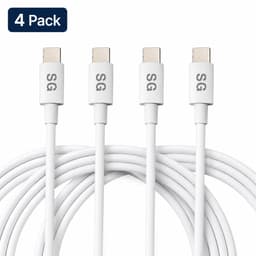
SmartGear 100W Cable — 4-Pack
- Four identical 2m cables
- Desk, bag, car and bedside
- Same 100W E-Marker spec
Which USB Cable Do You Need?
Four cable types cover every modern device. Pick the one that matches your setup — or read the detailed guides below.
Quick Comparison — Best USB Cables 2026
| Category | Product | Key Specs | Price | Buy |
|---|---|---|---|---|
| Best Overall |  SmartGear 240W Foldable Cable SmartGear 240W Foldable Cable | 240W PD 3.1 · Foldable T-stand · 1.5m | £10.99 | Buy → |
| Best Value |  UGREEN 100W USB-C Cable UGREEN 100W USB-C Cable | 100W · 5A E-Marker · Aluminium ends | £8.99 | Buy |
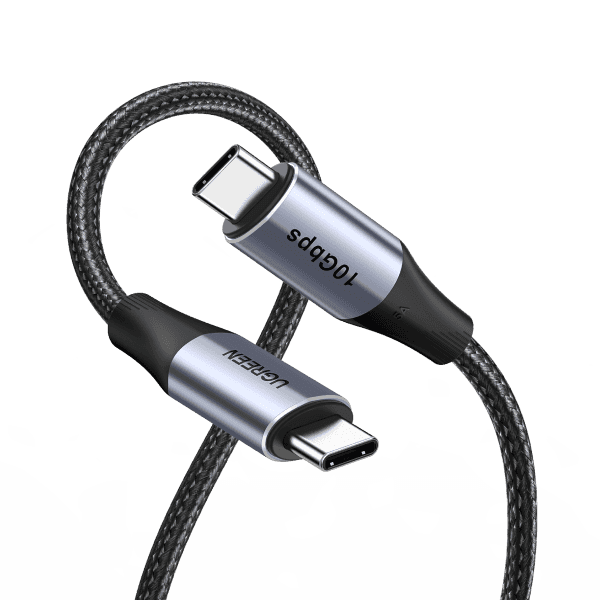
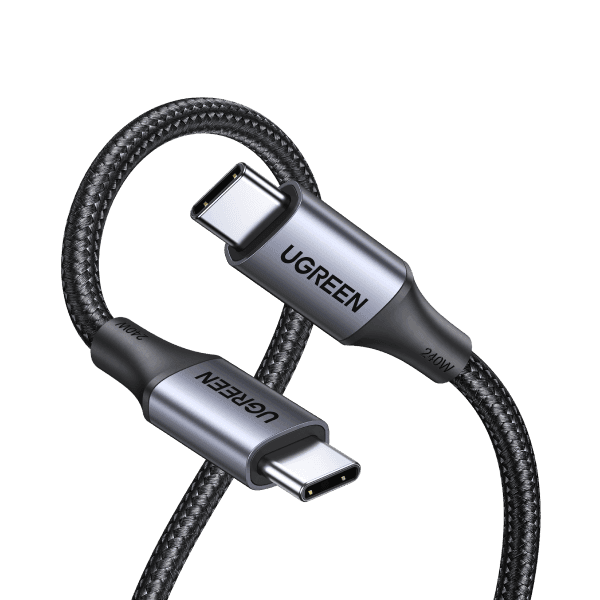
| Best for MacBook |  UGREEN 240W USB-C Cable UGREEN 240W USB-C Cable | 240W EPR · 10 Gbps · Future-proof | £14.99 | Buy |
| Best for Samsung | SmartGear 240W Foldable Cable | 240W · Works with 45W PPS Samsung | £10.99 | Buy → |
| Best Budget | UGREEN 100W USB-C Cable | 100W · Phone + tablet charging | £8.99 | Buy |
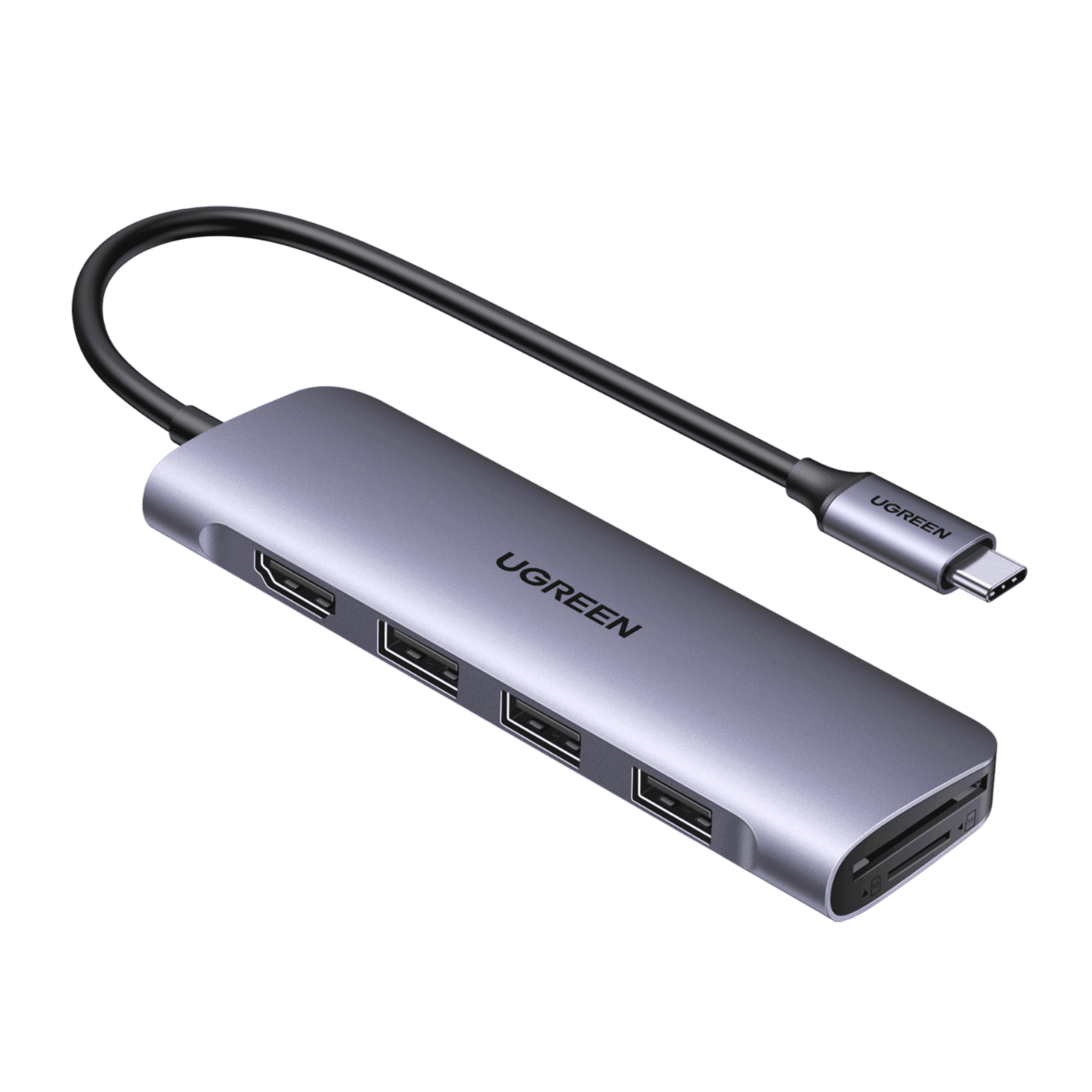
USB Type-C to USB-A Cable
The cable everyone needs. A USB Type-C cable to USB (USB-A) connects your modern phone, tablet, or laptop to any USB-A charger, power bank, PC, or car charger.
Best For
Connecting USB-C devices to older USB-A chargers and computers
Data Speeds
USB 2.0: 480 Mbps · USB 3.0: 5 Gbps · USB 3.1: 10 Gbps
Charging
Up to 18W (Quick Charge 3.0) via USB-A
UGREEN USB-C to USB-A 3.0 Braided (1m)
- USB 3.0 — 5 Gbps data
- 3A fast charging (18W)
- Braided nylon — 10,000 bends
- Aluminium connectors
USB-C to USB-C Cable
The ultimate cable for modern devices. A USB-C to USB-C cable handles the fastest charging (up to 240W), fastest data transfer (40 Gbps), and video output — all in one cable.
Best For
Laptop charging, fast data transfer, connecting two USB-C devices
Data Speeds
USB 2.0: 480 Mbps · USB 3.2: 20 Gbps · USB4: 40 Gbps
Charging
Up to 100W (PD 3.0) or 240W (PD 3.1 EPR)
SmartGear 240W Foldable USB-C to USB-C Cable (1.5m)
- 240W super fast charging
- 480 Mbps data transfer
- Foldable T-shaped phone holder
- Braided nylon — extra durable
USB-C to Lightning Cable
The essential cable for fast-charging iPhones. A USB-C to Lightning cable paired with a USB-C PD charger delivers fast charging to iPhone 8 through iPhone 14 — 0 to 50% in about 30 minutes.
Best For
Fast-charging iPhone 8–14, syncing with Mac/iPad
Data Speeds
USB 2.0: 480 Mbps (Lightning limitation)
Charging
Up to 27W with USB-C PD charger (20W+ adapter)
Baseus USB-C to Lightning MFi (1.2m)
- Apple MFi certified
- 20W PD fast charging
- Braided nylon jacket
- Works with all Lightning iPhones
USB-C to HDMI Cable
Connect your laptop or phone directly to any monitor, TV, or projector with a single USB-C to HDMI cable — no dongle needed. Supports 4K@60Hz for crystal-clear output.
Best For
Presentations, second monitor, streaming from laptop to TV
Data Speeds
4K@60Hz (HDMI 2.0) · 8K@30Hz (HDMI 2.1 cables)
Charging
No charging — video/audio only
UGREEN USB-C to HDMI 4K@60Hz (2m)
- 4K@60Hz HDMI 2.0
- Plug-and-play — no drivers
- Aluminium shell for shielding
- Works with MacBook, Dell, HP, Samsung
Shop Fast Charging Cables
In stock · Free UK delivery
SmartGear 240W Foldable Cable
- 240W PD 3.1
- Foldable T-stand
- Braided nylon 1.5m
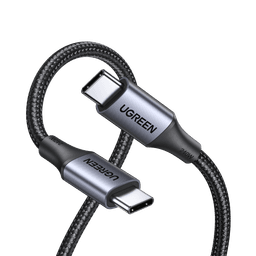
UGREEN 240W USB-C Cable
- 240W EPR
- 10 Gbps data
- E-Marker chip
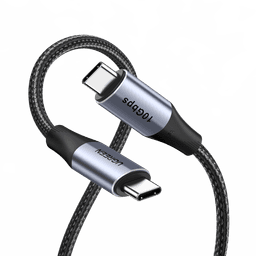
UGREEN 100W USB-C Cable
- 100W · 5A rated
- Aluminium connectors
- 10,000+ bend cycles
USB Type-C Cable to USB: The Complete Guide
A USB Type-C cable to USB (also called a USB to type C USB cable, type-C to USB-A cable, or USB type-C to USB type-A cable) is the most widely-used cable in the world. It bridges the gap between modern USB-C devices and the billions of USB-A ports still in use on chargers, PCs, power banks, and car adapters.
When Do You Need a USB-C to USB-A Cable?
- Charging your phone with an older wall charger, power bank, or car charger that only has USB-A ports
- Connecting to a PC or laptop for data transfer when only USB-A ports are available
- Connecting accessories like keyboards, mice, game controllers, or external drives
- Android Auto / CarPlay connections in cars with USB-A-only head units
USB 2.0 vs USB 3.0: Which USB-C to USB-A Cable?
Not all USB to USB C cables are the same speed. USB 2.0 cables (thinner, cheaper) transfer data at 480 Mbps — fine for charging and syncing. USB 3.0 cables (often blue inside the USB-A connector) transfer at 5 Gbps —10× faster, essential for backing up photos or transferring large files. Both support the same fast charging speeds, so choose based on whether you need fast data transfer.
USB 2.0 Cable — From £3.99
- ✓ 480 Mbps data transfer
- ✓ Fast charging (up to 18W)
- ✓ Thinner and more flexible
- ✓ Perfect for charging only
USB 3.0 Cable — From £5.99
- ✓ 5 Gbps data (10× faster)
- ✓ Fast charging (up to 18W)
- ✓ Slightly thicker
- ✓ Best for data + charging
USB Cable Speed Comparison
Not all USB cables are created equal. Here's how every USB standard compares for speed and charging power.
| USB Spec | Max Speed | 1 GB Transfer | Max Charging | Best For |
|---|---|---|---|---|
| USB 2.0 | 480 Mbps | ~17 seconds | Up to 7.5W (1.5A) | Basic charging, syncing |
| USB 3.0 (USB 3.2 Gen 1) | 5 Gbps | ~1.6 seconds | Up to 15W (3A) | Fast data + charging |
| USB 3.1 (USB 3.2 Gen 2) | 10 Gbps | ~0.8 seconds | Up to 100W (PD) | External SSDs, docks |
| USB 3.2 Gen 2×2 | 20 Gbps | ~0.4 seconds | Up to 100W (PD) | Pro external storage |
| USB4 / Thunderbolt 3 | 40 Gbps | ~0.2 seconds | Up to 100W (PD) | Docks, eGPU, displays |
| Thunderbolt 4/5 | 40–80 Gbps | ~0.1 seconds | Up to 240W (EPR) | Pro creative workflows |
Transfer times are theoretical maximums. Real-world speeds depend on cable quality, device capability, and file sizes.
How to Choose the Right USB Cable
Four things to check before buying any USB cable — whether it's a USB to USB cable, USB-C to Lightning, or USB-C to HDMI.
1.Check the USB Specification
USB 2.0 for charging, USB 3.0+ for data transfer. Higher spec = faster speeds. Always check the cable packaging — not all USB-C cables are the same speed.
2.Verify Power Rating
For laptop charging, you need cables rated for 60W, 100W, or 240W. Phone charging cables need at least 3A (18W). Look for "E-marker" on 100W+ cables.
3.Choose Certified Cables
Look for USB-IF certification, Apple MFi (for Lightning), and CE/UKCA marks. Avoid unbranded cables that may lack safety protections.
4.Pick the Right Length
0.5–1m for portability, 1–2m for desk use, 2–3m for TV connections. Avoid 3m+ for high-speed data — signal degrades with length.
Don't Bottleneck Your Charger
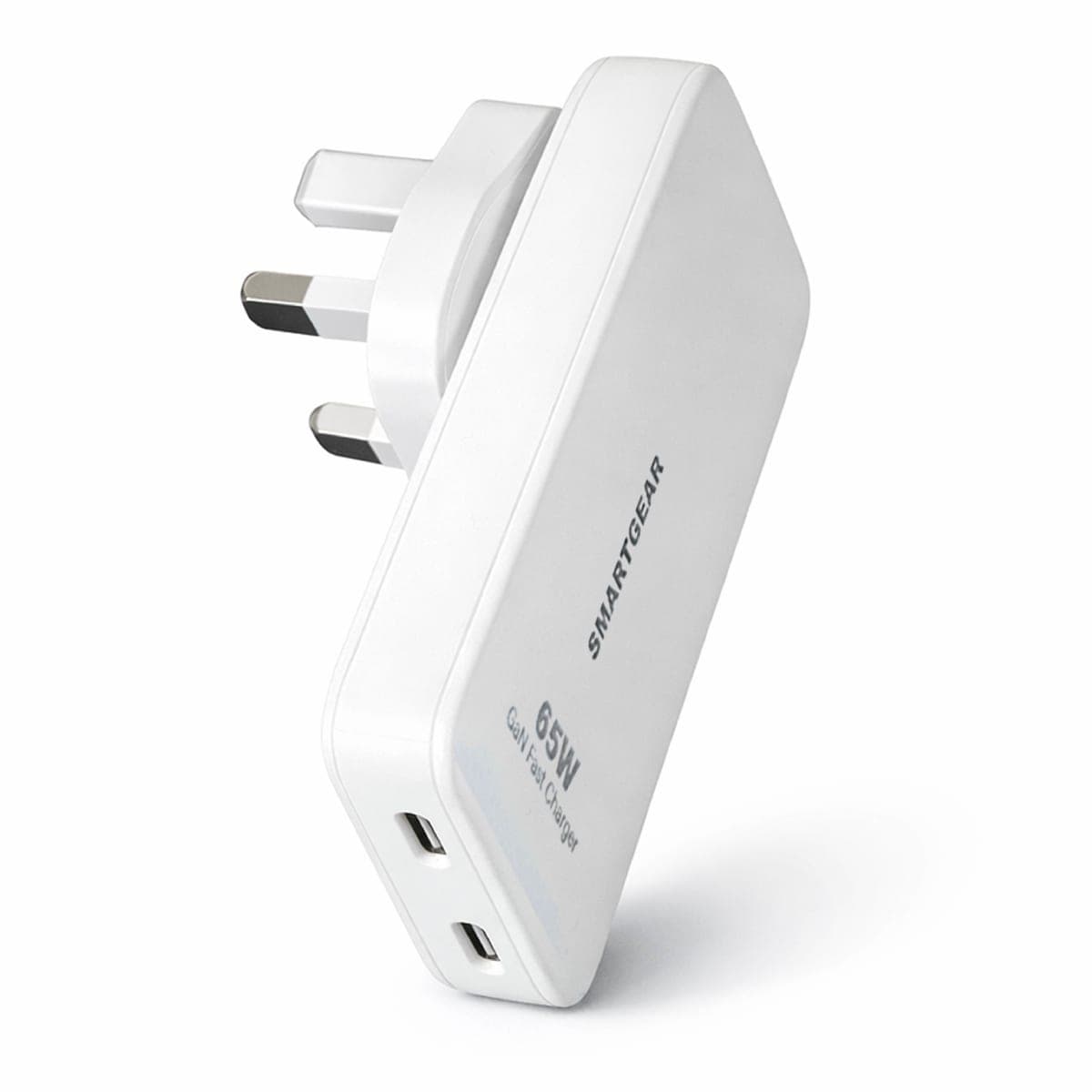
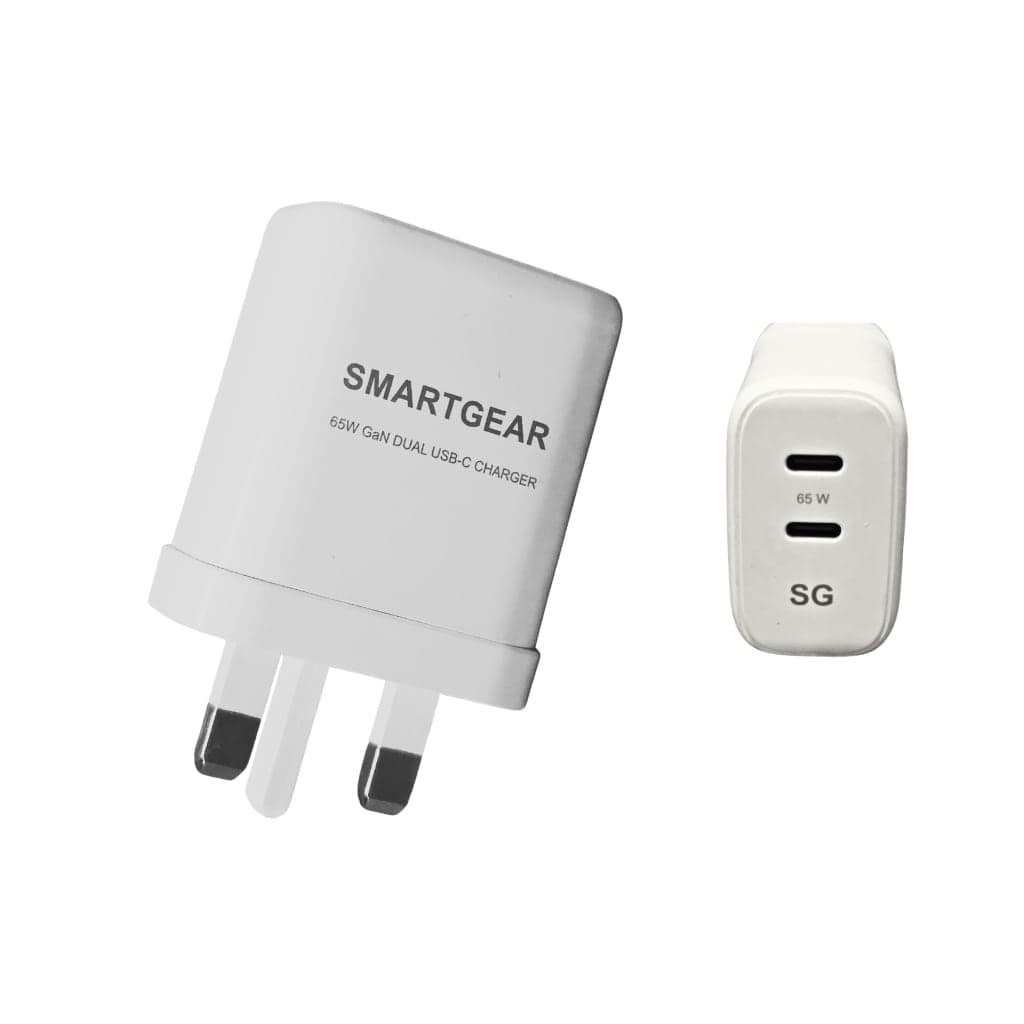
A 65W GaN charger is only as fast as the cable you plug into it. Pair the right cable with the right charger for maximum speed.
Phone Charging
- ✓ iPhone 8–14: USB-C to Lightning + 20W charger
- ✓ iPhone 15+: USB-C to USB-C + 20W charger
- ✓ Samsung Galaxy: USB-C to USB-C + 25W PPS charger
- ✓ Pixel / OnePlus: USB-C to USB-C + 30W+ PD charger
Laptop Charging
- ✓ Ultrabooks: USB-C to USB-C (60W rated) + 65W charger
- ✓ MacBook Pro: USB-C to USB-C (100W e-marked) + 100W charger
- ✓ Gaming laptops: USB-C to USB-C (240W EPR) + 140W charger
- ✓ Any laptop: Never use USB-C to USB-A for laptop charging
Get the Right Cable — Shop Now
In stock · Free UK delivery
SmartGear 240W Foldable Cable
- 240W PD 3.1
- Foldable T-stand
- Braided nylon 1.5m
UGREEN 240W USB-C Cable
- 240W EPR
- 10 Gbps data
- E-Marker chip
UGREEN 100W USB-C Cable
- 100W · 5A rated
- Aluminium connectors
- 10,000+ bend cycles
USB Cable FAQs
Answers to the most common questions about USB cables, speeds, and compatibility.
What is a USB Type-C cable to USB (USB-A)?
What is the difference between USB-C to USB-A and USB-C to USB-C cables?
Can I use a USB-C to Lightning cable with any iPhone?
What USB cable do I need for fast charging?
Can a USB-C to HDMI cable replace a dongle?
How do I know if a USB cable supports data transfer or just charging?
What length USB cable should I buy?
Are braided USB cables better than rubber cables?
What is the best USB-C cable for fast charging in the UK?
Related Guides & Articles
Best USB-C Cables UK (2026)
In-depth reviews of every USB-C cable we've tested — ranked by speed, durability, and value.
14 min readUSB-C Charging Explained
Everything about USB-C PD protocols, voltages, and how charging negotiation actually works.
8 min readBest Phone Chargers UK (2026)
Expert-tested reviews of the top USB-C phone and laptop chargers in the UK market.
15 min readUniversal Laptop Charger Guide
One charger for every laptop. USB-C PD compatibility for ASUS, Dell, HP, Lenovo & MacBook.
12 min readPhone Charger Guide
The complete guide to phone chargers — wired, wireless, portable, and Samsung-specific.
12 min readTravel Charger Guide
GaN travel chargers with multi-country adapters for charging abroad.
10 min readGet the Right Cable, First Time
Speed-rated, expert-tested USB cables for every device. Braided durability, certified safety, free UK delivery.