Best NAS for Content Creators UK (2026)
Video editors, photographers and music producers need centralised, fast, protected storage. We tested 5 NAS devices for real creative workflows — from 4K editing directly over Thunderbolt to AI photo tagging.
Power the rest of your editing desk
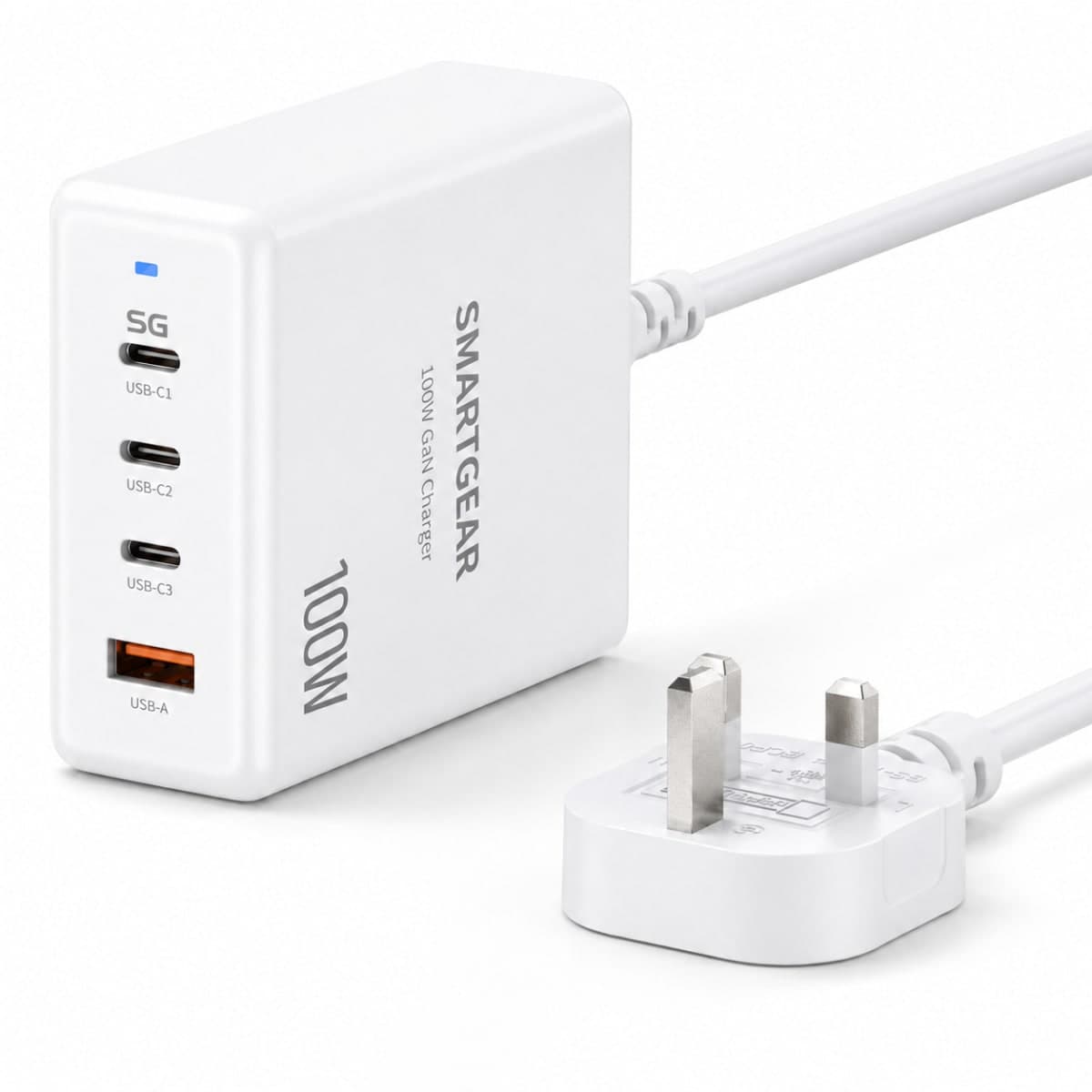
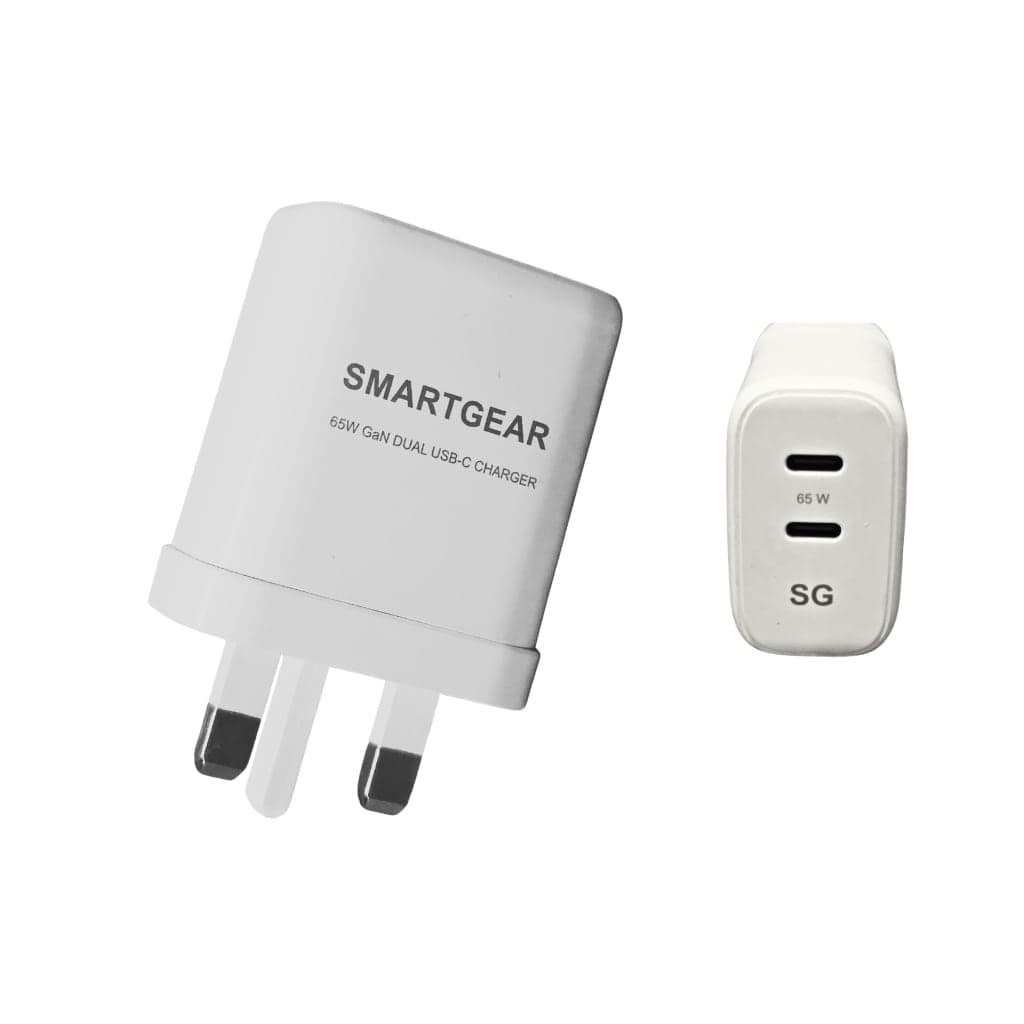
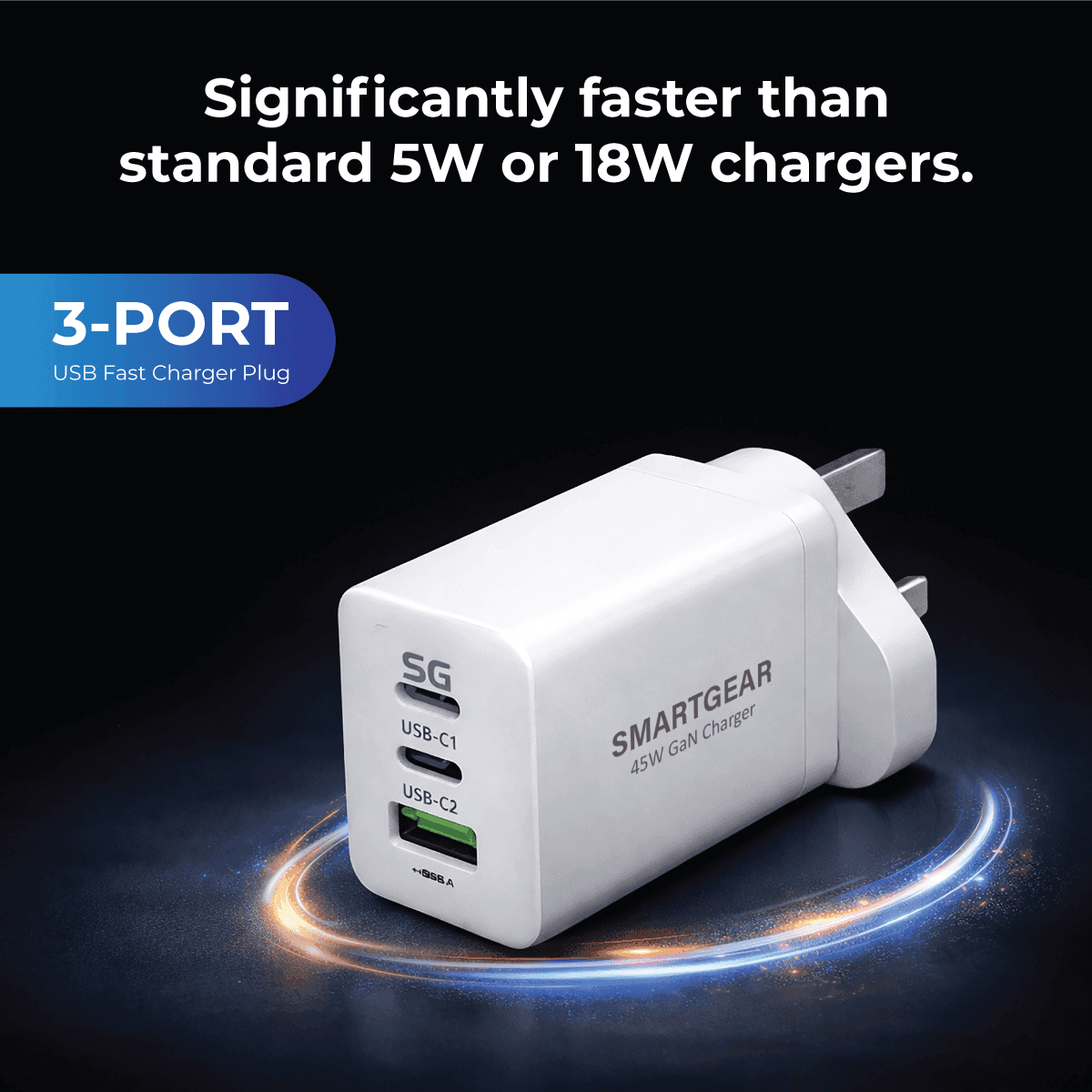
All productsSmartGear doesn't make NAS drives, but the laptop, phone and accessories on the same desk can all run from one GaN charger, from £12.99.
Our Top 5 NAS Picks for Creators
Specifications
- Capacity:
- 6-bay (up to 120 TB)
- CPU:
- Intel Core i5-1235U
- RAM:
- 16 GB DDR5 (expandable to 64 GB)
- Connectivity:
- 2.5GbE × 2, Thunderbolt 4, USB-C 3.2
- Price:
- ~£799 (diskless)
Key Highlights
- Intel i5 handles 4K transcoding effortlessly
- Thunderbolt 4 for direct-to-NAS editing
- UGOS Pro with Docker container support
- AI-powered photo tagging and search
- RAID 5/6 for data redundancy
Best for: Video editors, photographers, and creators needing high performance and fast direct connectivity.
Specifications
- Capacity:
- 5-bay (up to 100 TB)
- CPU:
- AMD Ryzen R1600 dual-core
- RAM:
- 8 GB DDR4 (expandable to 32 GB)
- Connectivity:
- 1GbE × 4 (upgradeable to 10GbE via PCIe)
- Price:
- ~£619 (diskless)
Key Highlights
- DSM 7.2 — best NAS OS for management
- Synology Photos — Google Photos alternative
- Synology Drive — Dropbox/Google Drive replacement
- Active Backup for Business included free
- 10GbE upgradeable via PCIe slot
Best for: Creators who value software maturity, backup automation and cloud replacement.
Specifications
- Capacity:
- 4-bay (up to 80 TB)
- CPU:
- Intel Celeron N5095 quad-core
- RAM:
- 8 GB DDR4 (expandable to 16 GB)
- Connectivity:
- 2.5GbE × 2, HDMI 2.0, USB 3.2
- Price:
- ~£449 (diskless)
Key Highlights
- QuMagie AI photo management
- HDMI output for direct media playback
- PCIe Gen 3 slot for M.2 NVMe caching
- QuTS hero (ZFS) option for data integrity
- Hardware transcoding via Intel Quick Sync
Best for: Budget-conscious creators who want 2.5GbE, hardware transcoding and expandability.
Specifications
- Capacity:
- 4-bay (up to 80 TB)
- CPU:
- Intel N100 quad-core
- RAM:
- 8 GB DDR5 (expandable to 16 GB)
- Connectivity:
- 2.5GbE × 2, USB-C 3.2, USB-A 3.2
- Price:
- ~£399 (diskless)
Key Highlights
- Excellent price-to-performance ratio
- UGOS Pro with Docker support
- Intel N100 handles 4K transcoding
- AI photo tagging and search
- Compact and silent design
Best for: Photographers and solo creators who want UGREEN ecosystem at a lower price point.
Specifications
- Capacity:
- 4-bay (expandable to 9 via DX517)
- CPU:
- AMD Ryzen R1600 dual-core
- RAM:
- 4 GB DDR4 (expandable to 32 GB)
- Connectivity:
- 1GbE × 2 (upgradeable to 10GbE)
- Price:
- ~£539 (diskless)
Key Highlights
- Synology Collaboration Suite for teams
- Expandable to 9 bays via DX517
- Active Backup for entire production team
- Synology Surveillance Station compatible
- Enterprise-grade ECC RAM support
Best for: Small content creation teams or studios needing expansion and collaboration features.
NAS by Creative Workflow
Video Editors
Store raw 4K/8K footage on NAS. Edit directly via Thunderbolt 4 or 10GbE. NAS handles proxy generation automatically. No more filling up laptop SSDs.
Recommended: DXP6800 Pro (Thunderbolt 4) or DS1522+ with 10GbE upgrade
Photographers
Import photos directly to NAS. AI auto-tags faces, locations, subjects. Cloud sync keeps portfolio accessible anywhere. Automated backups from SD cards.
Recommended: DXP4800 Plus (AI tagging) or Synology DS923+ (Synology Photos)
Music Producers
Store project files, samples, and final masters on NAS. Access from any device in your home studio. Version control prevents accidental overwrites.
Recommended: QNAP TS-464 (HDMI for monitoring) or DXP4800 Plus
Graphic Designers
Centralise design assets, fonts, templates. Collaboration features let team members access files simultaneously. Snapshot protection for version control.
Recommended: Synology DS923+ (collaboration suite) or DS1522+
Frequently Asked Questions
What is NAS and why do content creators need one?
NAS (Network Attached Storage) is a dedicated storage device connected to your home or studio network. Content creators need NAS because: (1) laptop/desktop SSDs fill up fast with 4K video and RAW photos, (2) NAS provides centralised access from any device, (3) RAID protection prevents data loss, (4) it replaces expensive cloud subscriptions.
How much storage do I need as a content creator?
Photographers: Start with 2-bay (20–40 TB in RAID 1 = 10–20 TB usable). Video editors: 4–6 bay (40–120 TB in RAID 5 = 30–100 TB usable). Music producers: 2-bay (10–20 TB) is usually sufficient. Plan for 2–3 years of growth.
Can I edit video directly from a NAS?
Yes, with the right setup. For smooth 4K timeline editing, you need either: (1) Thunderbolt 4 direct connection (UGREEN DXP6800 Pro) — delivers up to 2,800 MB/s, or (2) 10GbE network connection (Synology/QNAP with 10GbE) — delivers up to 1,200 MB/s. Standard 1GbE is too slow for real-time 4K editing but fine for proxy workflows.
NAS vs external hard drive — which is better?
NAS wins for creators: multiple device access, RAID protection, remote access, automatic backups, and AI organisation. External drives are cheaper but offer zero redundancy — one drive failure means total data loss. Use both: NAS as primary, external drive as offsite backup.
How much should I spend on a NAS for content creation?
Budget: £400–500 (QNAP TS-464, UGREEN DXP4800 Plus). Mid-range: £500–700 (Synology DS1522+, DS923+). Professional: £700–1000+ (UGREEN DXP6800 Pro with Thunderbolt 4). Budget does NOT include hard drives — add £80–120 per drive for 4–8 TB NAS-rated drives.
Do I need Thunderbolt 4 on my NAS?
Only if you edit 4K/8K video directly from the NAS. Thunderbolt 4 (40 Gbps) gives you near-SSD speeds. For photography, music production and general file storage, 2.5GbE (£0 extra) is more than sufficient. 10GbE (£100–200 upgrade card) sits between for users who need fast but not Thunderbolt-fast.