Synology vs UGREEN NAS 2026: Which Should You Buy?
The NAS market has a genuine two-horse race for the first time. Synology brings 24 years of software maturity. UGREEN brings modern hardware at aggressive prices. We compare every dimension — software, performance, connectivity, and value — to help you decide.
The UGREEN NASync Range
Full UGREEN NAS guideFour NASync models from UGREEN’s UK range, cheapest first. Prices are live from the official UGREEN NAS UK store, VAT included.

NASync DH2300
Entry 2-Bay · Your First Home Cloud
- 2× SATA (64TB max)
- Rockchip A72+A53 · 8-Core
- 1GbE LAN

NASync DXP4800 Plus
Flagship 4-Bay · Performance Media Hub
- 4× SATA + 2× M.2 (144TB)
- Intel Pentium Gold 8505 · 5-Core
- 10GbE + 2.5GbE

NASync DXP480T Plus
All-Flash 4-Slot · High-Speed NVMe
- 4× M.2 NVMe (32TB max)
- Intel Core i5-1235U · 10-Core
- 10GbE + Wi-Fi 6

NASync DXP8800 Plus
Flagship 8-Bay · Maximum Capacity
- 8× SATA + 2× M.2 (272TB)
- Intel Core i5-1235U · 10-Core
- 2× 10GbE (LAG)
UGREEN NAS is sold by UGREEN, not SmartGear Outlet — these links go to the official UGREEN NAS UK store and we may earn a commission.
Power the desk around your NAS
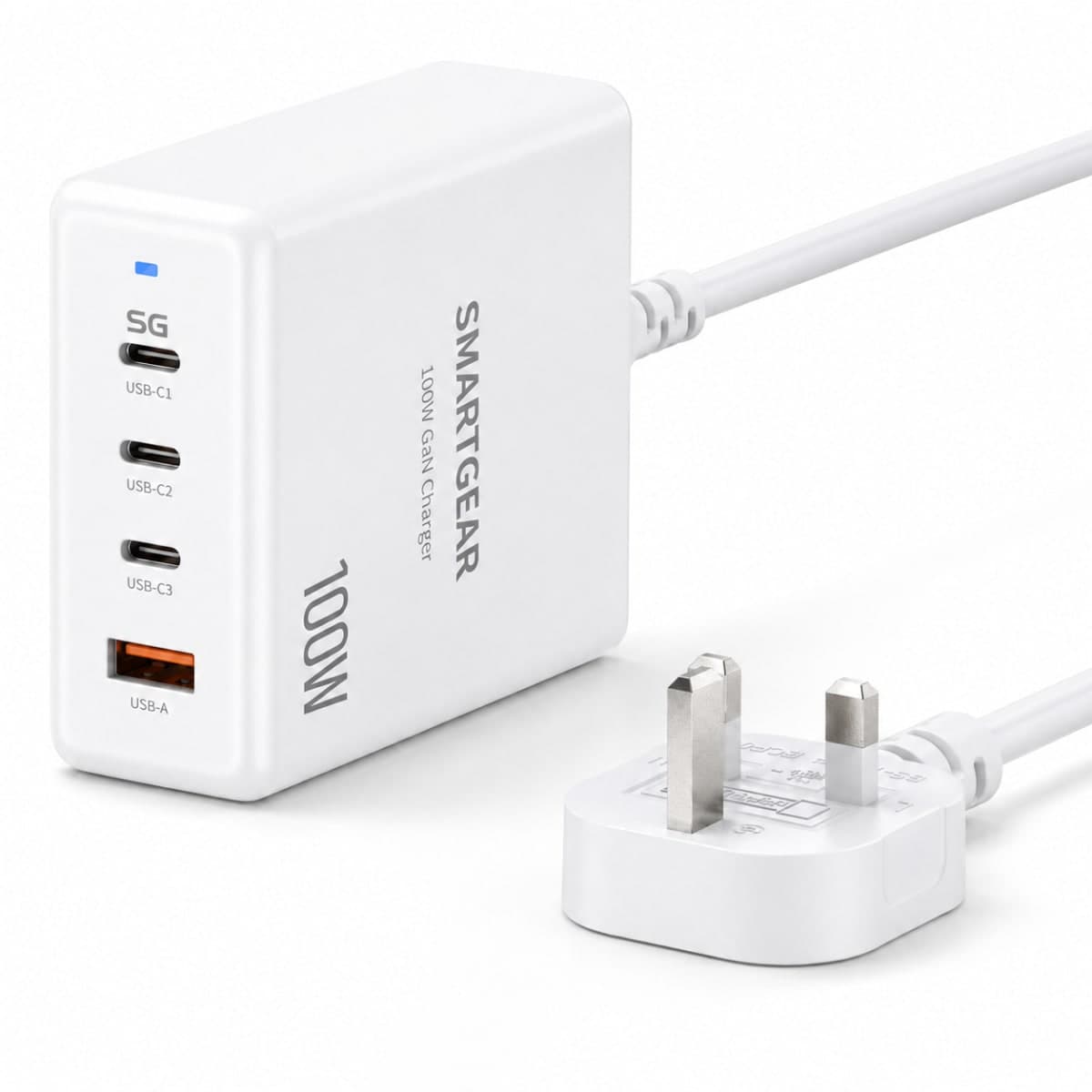
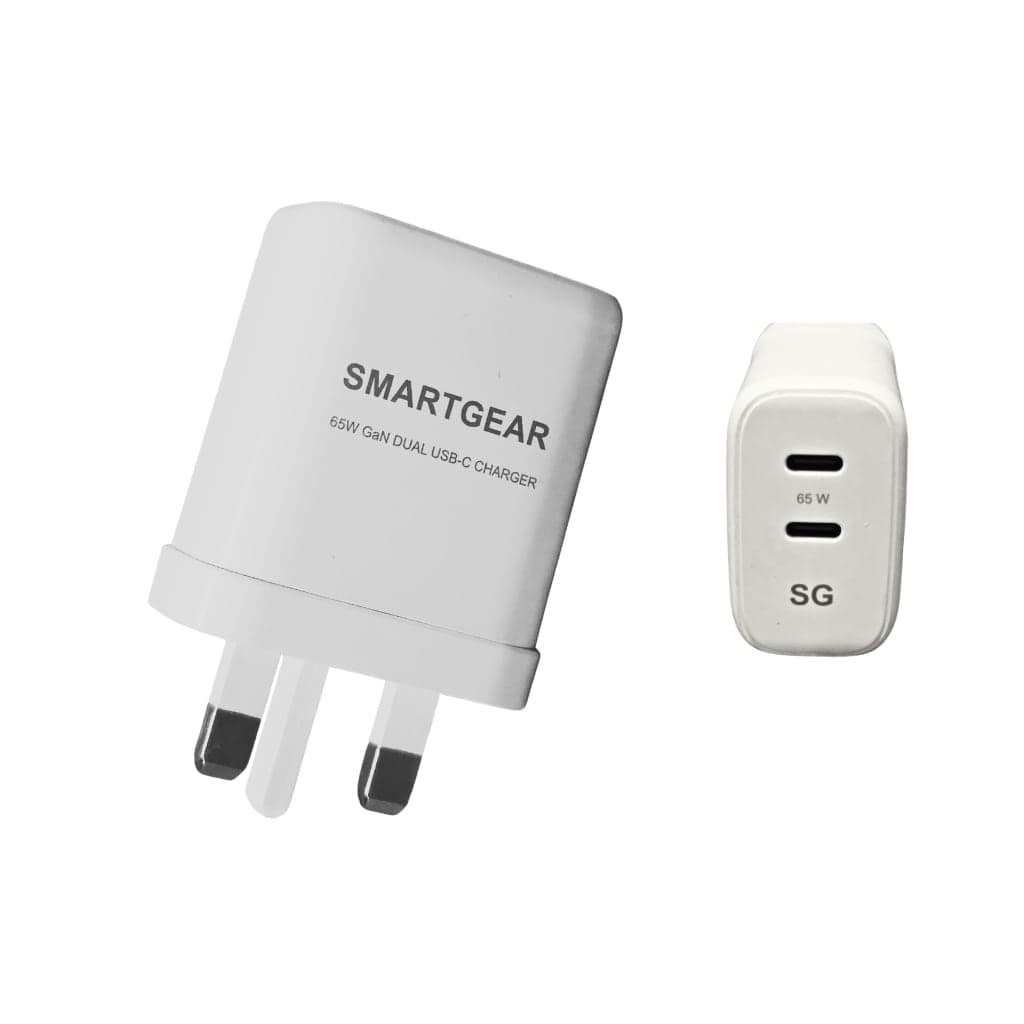
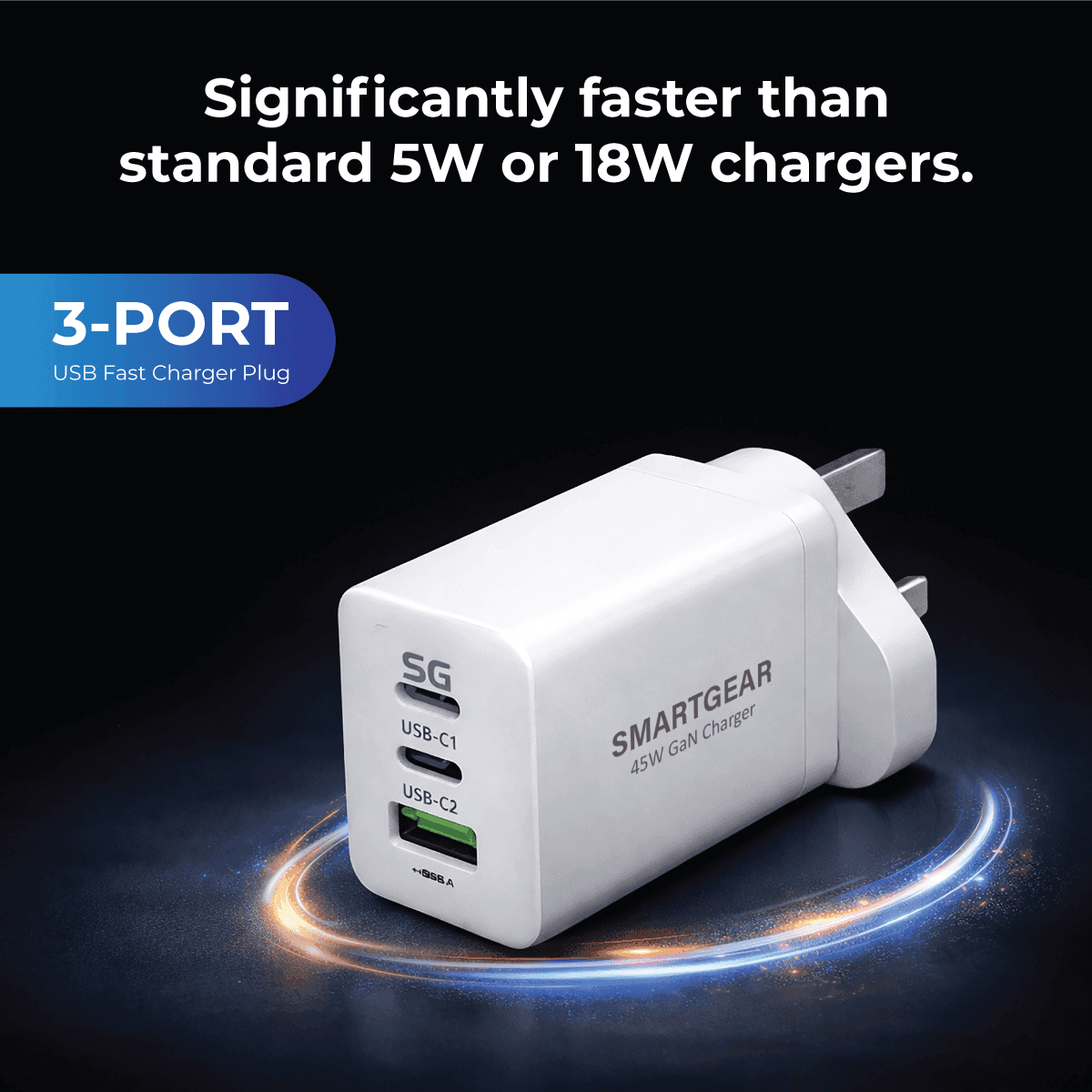
All productsSmartGear doesn't make NAS drives. For the laptop and devices beside it: GaN chargers from £12.99.
Quick Verdict
Choose Synology If…
- You want the most mature, stable NAS OS (DSM 7.2)
- You need Active Backup for Business (Microsoft 365, VMs)
- You run a home lab with Docker + VMs
- Community support and third-party tutorials matter to you
Choose UGREEN If…
- You want faster hardware for the money (DDR5, 2.5GbE as standard, 10GbE from the DXP4800 Plus up)
- You need Thunderbolt 4 for direct video editing
- You want the cheapest way in: the DXP2800 is £279.99 and the 4-bay DH4300 Plus £313.99
- You prefer premium aluminium design over plastic enclosures
Full Head-to-Head Comparison
| Category | Synology | UGREEN |
|---|---|---|
| Brand heritage | Founded 2000 — 24 years of NAS experience. Taiwanese engineering. Market leader. | Founded 2012 as accessories brand. Entered NAS market in 2024 with NASync line. Fast-growing newcomer. |
| Operating system | DSM 7.2 — industry gold standard. Polished, stable, 20+ first-party apps. | UGOS Pro — clean, modern UI. Docker support. Fewer native apps but growing fast. |
| Photo management | Synology Photos — mature, AI face/object recognition, mobile backup, shared spaces. | UGREEN AI Photos — AI tagging, face recognition, good mobile app. Newer but competitive. |
| File sync | Synology Drive — full Dropbox replacement with version history, team folders, Office integration. | UGOS Sync — basic file sync across devices. Functional but lacks advanced collaboration features. |
| Backup | Active Backup for Business (free!) — backs up PCs, Macs, VMs, Microsoft 365, Google Workspace. | Time Machine + rsync support. No equivalent to Active Backup suite. Relies on third-party Docker apps. |
| Media streaming | Plex, Jellyfin, Emby via Docker. Video Station (native). Hardware transcoding on + models. | Plex, Jellyfin via Docker. UGOS Media (native). Hardware transcoding on the Intel-based DXP models. |
| Docker / VMs | Container Manager (Docker). Virtual Machine Manager for full VMs. Mature and stable. | Docker via UGOS Pro. No native VM support yet. Docker implementation works well for most use cases. |
| Security | Security Advisor, 2FA, automated updates, firewall, Let's Encrypt SSL, IP blocking. | 2FA, HTTPS, basic firewall. Security tools are more limited — improving with each UGOS update. |
| Connectivity | 1GbE standard, 10GbE via PCIe add-in card. No Thunderbolt on consumer models. | 2.5GbE on most models (the entry DH2300 is 1GbE), 10GbE built in from the DXP4800 Plus up, Thunderbolt 4 on the DXP6800 Pro. Faster out-of-box networking. |
| Build quality | Functional plastic enclosures. Tool-less drive bays. Industrial design — not pretty but reliable. | Premium aluminium chassis. Tool-less bays. Modern, living-room-friendly design. |
| UK pricing (4-bay) | DS423+: ~£499 / DS923+: ~£539 (diskless) | DXP4800 Plus: £525.99 (diskless) — the same bracket as Synology's 4-bays, but with 10GbE and 8GB DDR5 as standard. Cheaper 4-bay: DH4300 Plus at £313.99 (ARM, 2.5GbE). |
| Community & support | Massive community, extensive forums, 24/7 professional support. Abundant tutorials. | Growing Reddit and forum community. Good official support. Fewer third-party guides so far. |
Who Wins by Use Case?
Photo backup & management
Winner: SynologySynology Photos is more mature with better shared album features, facial recognition accuracy, and mobile upload reliability. UGREEN AI Photos is catching up fast.
Video editing direct from NAS
Winner: UGREENThe DXP6800 Pro with Thunderbolt 4 (2,800 MB/s) enables direct 4K timeline editing. Synology consumer NAS lacks Thunderbolt — you need their expensive enterprise units.
Home lab / Docker containers
Winner: SynologyDSM's Container Manager is more mature, with better resource monitoring, auto-restart policies, and a larger library of validated containers.
Plex media server
Winner: TieBoth run Plex equally well via Docker. UGREEN's 2.5GbE gives a slight edge for 4K streaming to multiple clients. Synology's DS923+ needs a 10GbE PCIe card for the same.
Business backup (Microsoft 365, VMs)
Winner: SynologyActive Backup for Business is free and unmatched — it backs up entire Microsoft 365 tenants, Google Workspace, Hyper-V and VMware VMs. UGREEN has nothing equivalent.
Budget home NAS
Winner: UGREENUGREEN has two strong entry points: the 2-bay DXP2800 (£279.99, Intel N100, 8GB DDR5, 2.5GbE, two M.2 slots) and the 4-bay DH4300 Plus (£313.99, ARM 8-core, 2.5GbE). Synology's DS224+ (~£309) has 2GB of DDR4 and 1GbE.
Current Model Lineups
Synology 2026 Range
| Model | Bays | CPU | Network | Price | Best For |
|---|---|---|---|---|---|
| DS224+ | 2-bay | Intel Celeron J4125 | 1GbE × 2 | ~£309 | Solo home user, basic backup |
| DS423+ | 4-bay | Intel Celeron J4125 | 2.5GbE × 2 | ~£499 | Home media, photo backup |
| DS923+ | 4-bay | AMD Ryzen R1600 | 1GbE × 2 + PCIe | ~£539 | Power users, home lab |
| DS1522+ | 5-bay | AMD Ryzen R1600 | 1GbE × 4 + PCIe | ~£619 | Content creators, small business |
UGREEN NASync 2026 Range
| Model | Bays | CPU | Network | Price | Best For |
|---|---|---|---|---|---|
| DXP2800 | 2-bay + 2× M.2 | Intel N100 (4-core) | 2.5GbE × 1 | £279.99 | Budget home backup |
| DXP4800 Plus | 4-bay + 2× M.2 | Intel Pentium Gold 8505 (5-core) | 10GbE + 2.5GbE | £525.99 | Home media, home lab |
| DXP6800 Pro | 6-bay + 2× M.2 | Intel Core i5-1235U (10-core) | 10GbE × 2 + Thunderbolt 4 × 2 | £929.99 | Video editors, power users |
| iDX6011 | 6-bay + 2× M.2 | Intel Core Ultra 5 125H | 10GbE × 2 + Thunderbolt 4 × 2 | from £1,999.99 | Local AI, creative pro |
DSM 7.2 vs UGOS Pro: The Software Comparison That Matters Most
Hardware specs make for easy comparison tables, but the software running on your NAS is what you will interact with every single day. Synology's DiskStation Manager (DSM) has been refined over 24 years and is widely regarded as the most polished NAS operating system available. UGREEN's UGOS Pro, by contrast, launched in 2024 and is still in its rapid-iteration phase. Understanding the practical differences between these two platforms is critical to making the right purchase.
Package ecosystem. DSM 7.2 offers over 100 first-party and community packages via Package Center — everything from Synology Drive (a full Dropbox replacement), Surveillance Station (up to 40 cameras), Active Backup for Business (Microsoft 365, VMware, Hyper-V), to Container Manager (Docker with a GUI). UGOS Pro has approximately 30 built-in apps covering file management, photo backup, Docker, and media streaming. The gap is narrowing with each quarterly UGOS update, but in March 2026, Synology's ecosystem remains significantly deeper.
Docker and virtualisation. Both platforms support Docker containers, which is essential for running Plex, Jellyfin, Home Assistant, Pi-hole, and hundreds of other self-hosted services. DSM offers Virtual Machine Manager for running full Windows or Linux VMs alongside containers — a feature UGOS Pro does not yet support. If your workflow requires VMs (for instance, running a Windows-only accounting application on your NAS), Synology is the only option.
Mobile and remote access. Synology's mobile apps (DS File, DS Photo, DS Video) are mature, well-reviewed, and support offline caching. Remote access is handled by QuickConnect, which works without any router configuration. UGREEN's mobile app has improved significantly since launch but lacks offline photo caching and some advanced sharing permissions. Both platforms offer end-to-end encrypted remote connections.
Update cadence and stability. Synology releases major DSM updates annually with monthly security patches. The update process is well-tested and rarely causes issues. UGREEN pushes UGOS updates more frequently (roughly every 6–8 weeks) which means faster feature delivery, but occasionally introduces minor regressions. Early adopters should expect some rough edges — this is normal for a platform that is still maturing.
Frequently Asked Questions
Is UGREEN NAS as reliable as Synology?
Can UGREEN NAS run Synology DSM?
Which NAS is better for Plex in the UK?
Is Synology worth the premium over UGREEN?
Which NAS has better photo management?
Do I need Thunderbolt 4 on a NAS?
Our Verdict: Synology or UGREEN?
After testing both ecosystems side by side for over a month, our recommendation comes down to a simple question: how important is software maturity to you?
If you want a NAS that works flawlessly out of the box with 100+ packages, enterprise-grade backup, a polished mobile app, and two decades of community knowledge, choose Synology. You will pay a 20–30% premium over equivalent UGREEN hardware, but you are buying peace of mind and an ecosystem that has been stress-tested by millions of users worldwide.
If you prioritise hardware value — faster networking (2.5GbE standard), Thunderbolt 4 for video editing, DDR5 RAM, and a premium aluminium chassis — and you are comfortable with a newer OS that is still adding features, choose UGREEN. The NASync range offers significantly more hardware per pound than Synology, and UGOS Pro is improving at a pace that suggests it will close the software gap within the next 12–18 months.
For UK buyers specifically, both brands offer comparable warranty terms and ship from UK warehouses. Synology has a wider UK repair network through authorised resellers, while UGREEN handles warranty directly. Whichever you choose, budget for NAS-rated hard drives (WD Red Plus, Seagate IronWolf) — desktop drives are not designed for 24/7 NAS operation and will fail sooner.