⚡ Charging Speed Calculator
Find out exactly how long your phone, tablet, or laptop takes to charge — then see which SmartGear upgrade gets you there faster.
1. Your Device
Provisional estimate. iPhone 18 specifications have not been published, so this uses the iPhone 17 battery and charging figures. Treat the result as a close guide rather than a measured number — we will update it once the real specs are confirmed.
Battery: 14.6 Wh
Max input: 27W
2. Your Charger
Output: 20W
3. Your Cable
Max power: 100W
Results for iPhone 18 (provisional)
Bottleneck detected — your charger is limiting you to 20W of 27W
Your iPhone 18 can take 27W, but your charger supplies 20W.
26 min
0 → 50%
Fast-fill phase
45 min
0 → 80%
Good to go
1h 6m
0 → 100%
Full charge
Showing an offline estimate while we reconnect; it doesn’t account for your charger’s PPS range.
Email me this result
Get your iPhone 18 (provisional) charging breakdown, plus the one upgrade that removes your charger bottleneck.
⚡ Charge Faster With the Right Kit
Free UK delivery · 30-day returns · CE/UKCA certified
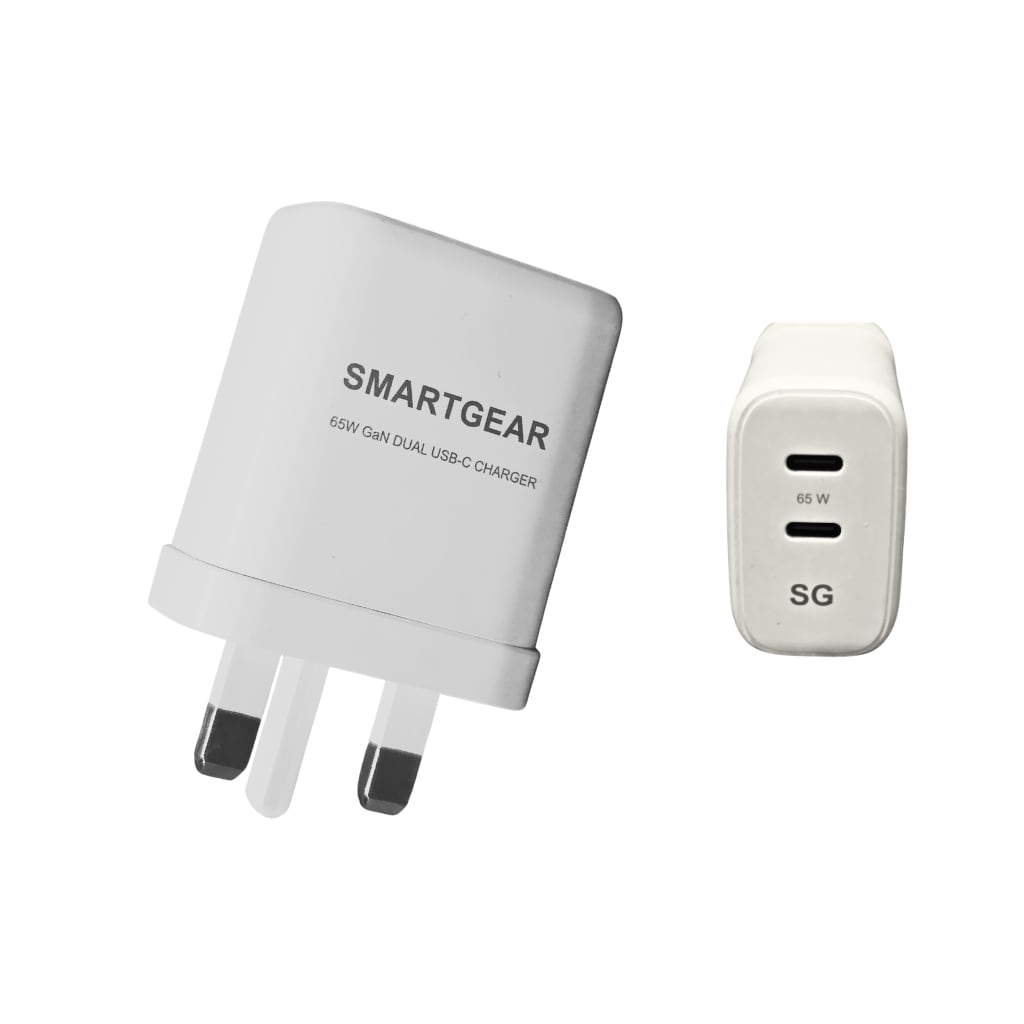
SmartGear 65W GaN Dual USB-C
- GaN III · Dual USB-C
- Samsung 45W PPS
- Foldable UK plug
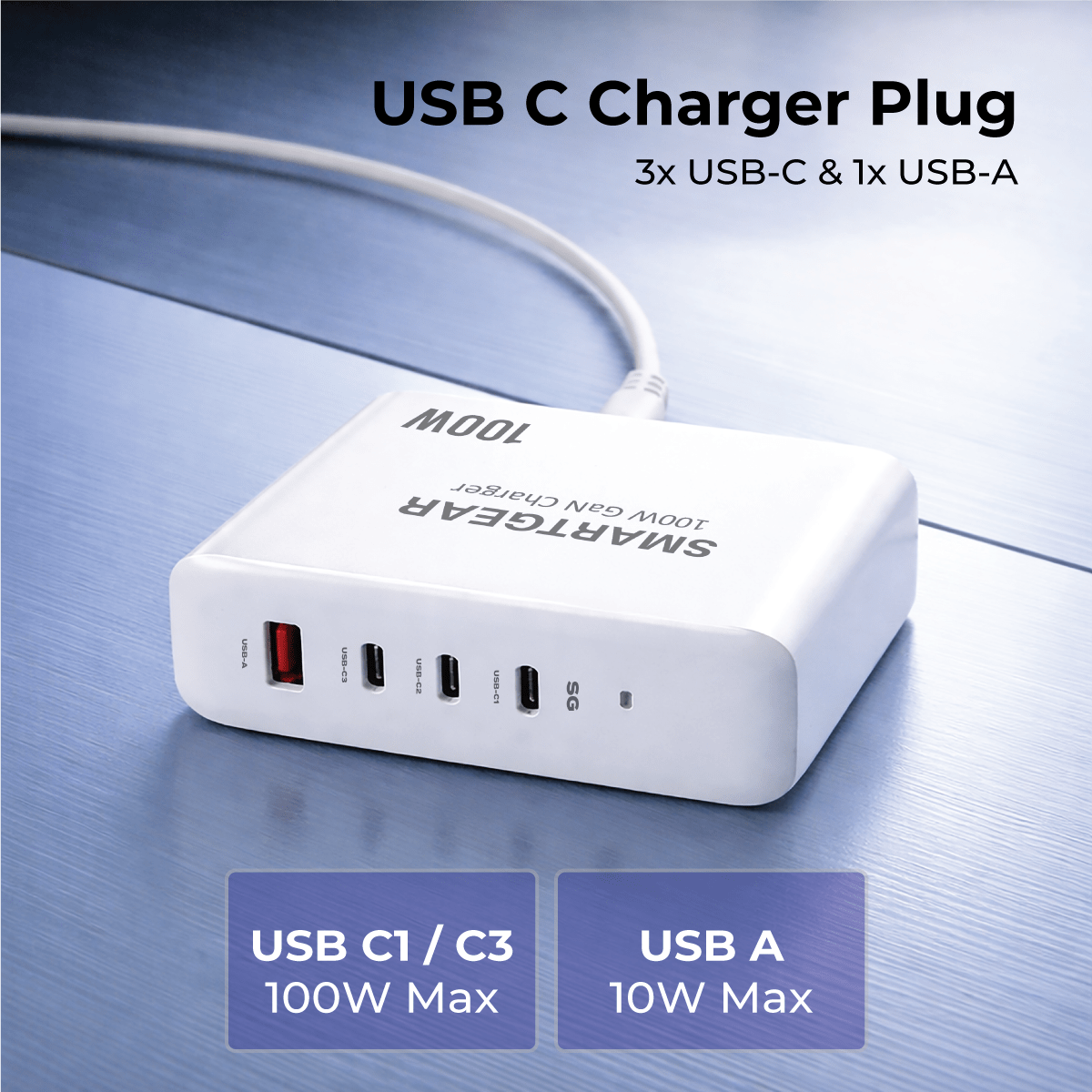
SmartGear 100W Desktop Station
- 4 ports · PD 3.1
- Charges MacBook Pro
- Desktop design

UGREEN Nexode 65W GaN
- 3 ports · Compact
- PPS for Samsung
- UK 3-pin plug
🚀
Free UK Delivery
On every order
↩️
30-Day Returns
No questions asked
✅
CE/UKCA Certified
Safety tested
⭐
4.8 / 5 Rating
From verified buyers
Shop the SmartGear Essentials
Charger and cable pairings that hit the speeds above · Free UK delivery · CE/UKCA certified
SmartGear 65W Travel Charger
- Slide-out UK + US plugs
- 2× USB-C · PD 3.0
- Ultra-slim 15.5mm
SmartGear 45W GaN Charger
- 3 ports · 2× USB-C + USB-A
- Samsung 45W PPS
- Compact GaN body
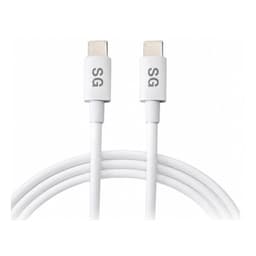
SmartGear 100W USB-C Cable
- E-Marker chip · 5A
- 2m braided length
- Unlocks full 45–100W
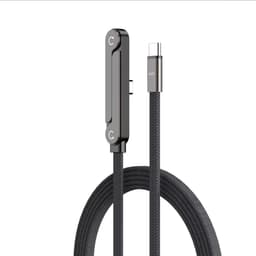
SmartGear 240W Foldable Cable
- 240W PD 3.1 · 48V 5A
- Foldable T-stand
- Braided nylon
How Much Faster Could You Charge?
Estimated 0→100% times for iPhone 18 (provisional) with different setups
How This Calculator Works
Our charging speed calculator uses a three-phase battery model. Lithium-ion batteries charge fastest from 0–50% (constant-current), slow from 50–80% (tapering), and trickle from 80–100% (constant-voltage). We apply 85% efficiency to account for heat loss.
The effective charging wattage is the minimum of your charger, cable, and device — the weakest link determines speed. Upgrade any bottlenecked component and you unlock the speed you’re already paying for.
All device data is based on manufacturer specs and SmartGear testing. Actual times vary ±10% with temperature and battery health. Browse our phone charger guide, laptop charger guide, or USB-C cable guide for expert picks.