Best USB-C Hubs & Docking Stations UK 2026
Looking for the best USB-C hub in 2026? From £30 travel hubs to £350 Thunderbolt 4 workstation docks — we tested the best USB-C expansion options for MacBook, Dell XPS and Windows laptops. Add monitors, storage, Ethernet and more with a single cable.
Feed your hub enough power
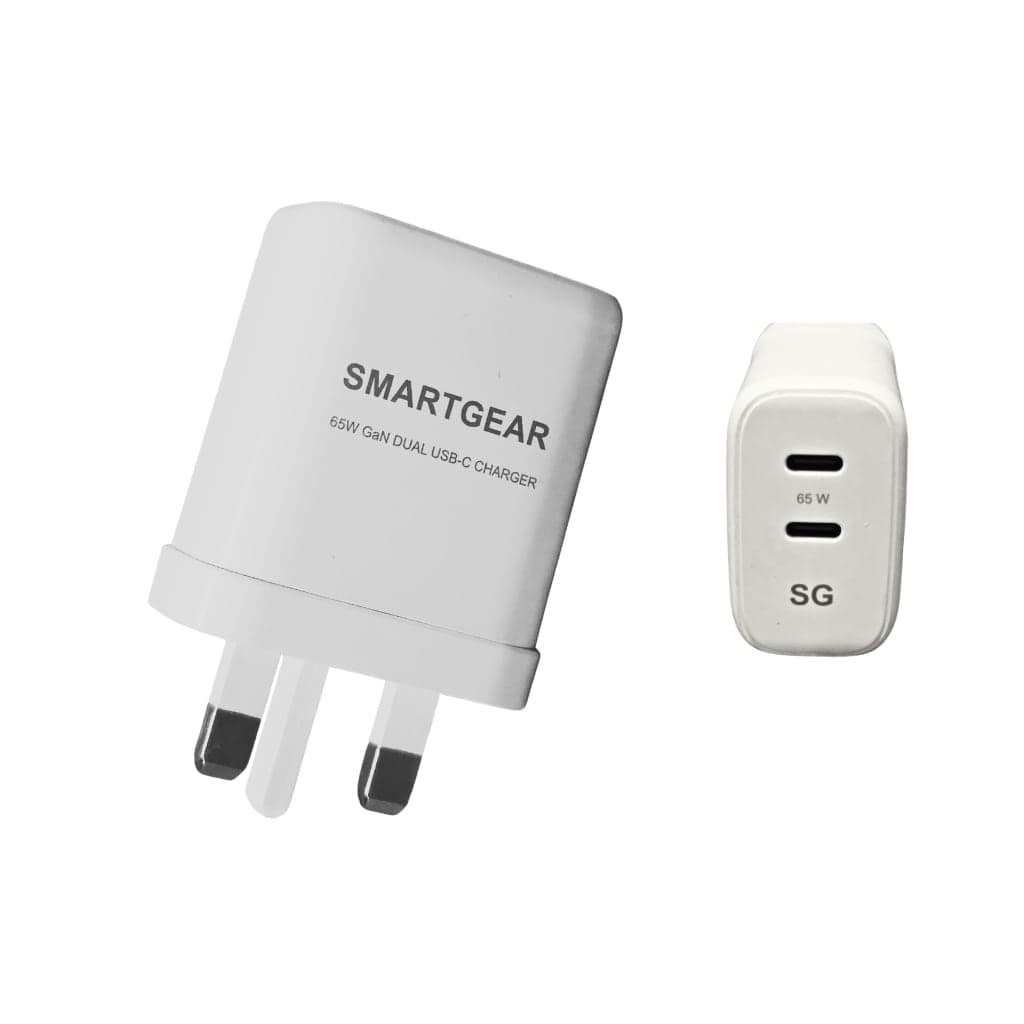
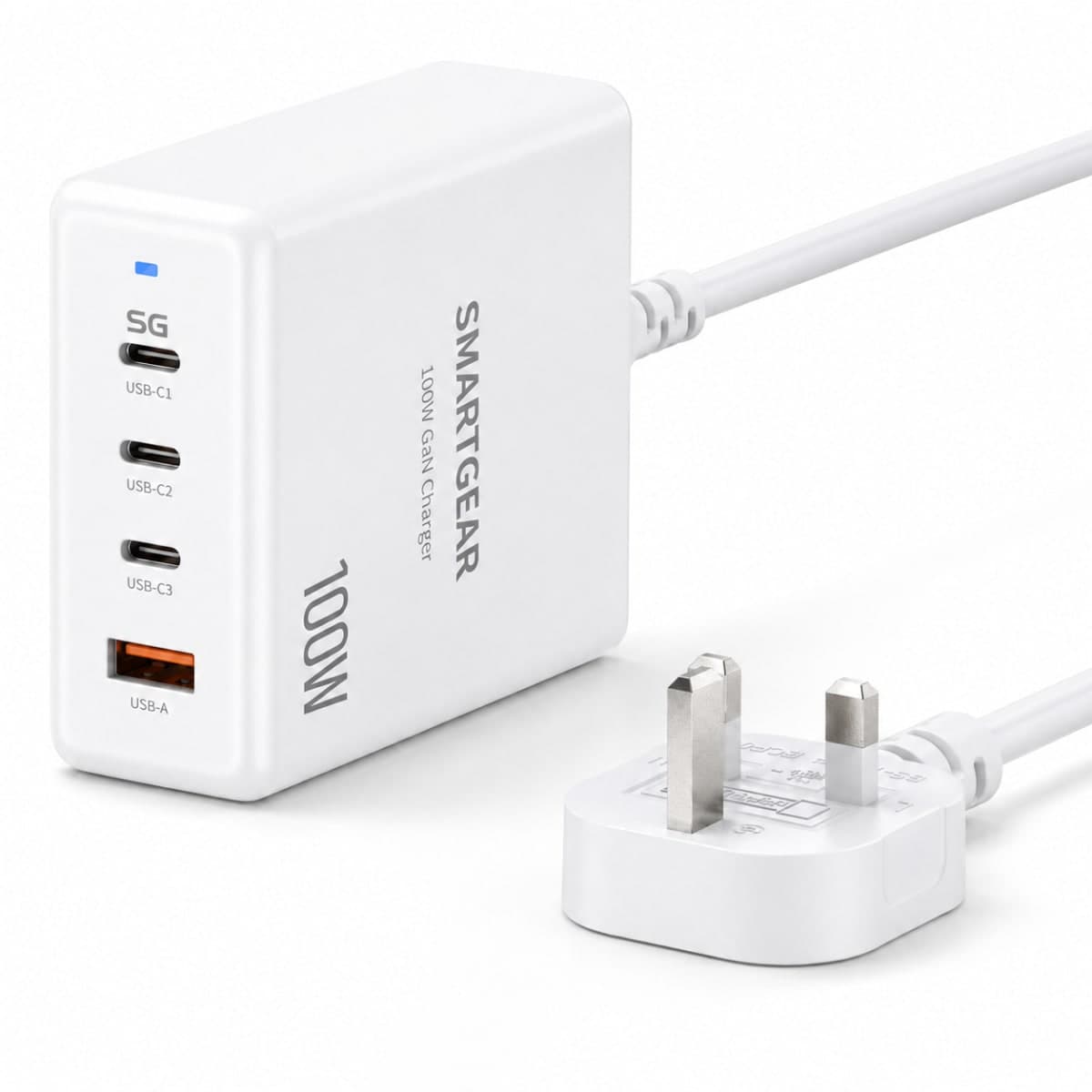
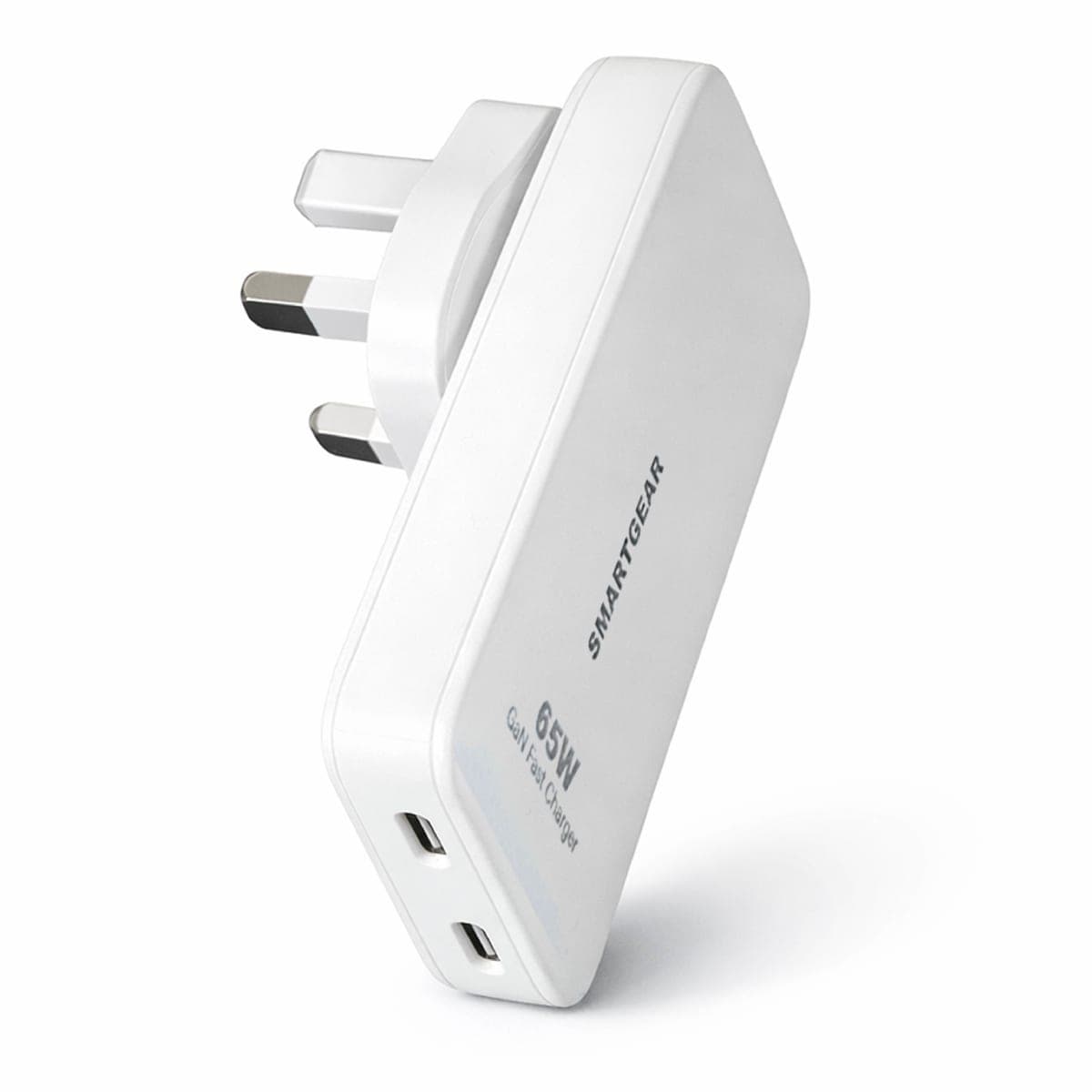
All productsA USB-C hub passes charging through to your laptop, so give it a 65W+ GaN charger and the laptop still charges at speed. From £10.99.
⚡ Quick Picks by Budget
Baseus 7-in-1
HDMI + USB-A + SD
Anker 556 8-in-1
HDMI 4K60 + Ethernet + SD
UGREEN Revodok Pro
Dual display + 10 Gbps
CalDigit TS4
Thunderbolt 4 · 18 ports
Best USB-C Hubs & Docks 2026 — Comparison Table
A quick side-by-side of every hub and dock we tested — ports, display output, charging and price. Scroll horizontally on mobile to see all columns.
| Hub / Dock | Type | Ports | Max Display | PD Charging | Rating | Price |
|---|---|---|---|---|---|---|
| UGREEN Revodok Pro 11-in-1🏆 Best Overall | Hub | 11 | Dual 4K 60Hz | 100W | ⭐ 4.8 | £69.99 |
| Anker 556 8-in-1 | Hub | 8 | 4K 60Hz | 100W | ⭐ 4.7 | £54.99 |
| CalDigit TS4 | Dock | 18 | Dual 4K / 8K | 98W | ⭐ 4.9 | £349.99 |
| Baseus 7-in-1 | Hub | 7 | 4K 30Hz | 100W | ⭐ 4.5 | £29.99 |
| UGREEN Revodok Max 213 | Dock | 13 | 8K 30Hz | 96W | ⭐ 4.7 | £249.99 |
Prices and availability last verified June 2026. We may earn a commission from purchases — this never affects our test results or rankings.
USB-C Hub vs Thunderbolt Dock — Which Do You Need?
For Most People
- Adds HDMI, USB-A, SD, Ethernet via USB-C
- Portable — fits in a laptop bag
- Plug-and-play, no drivers (usually)
- 5–10 Gbps USB data transfer
- 100W PD pass-through charging
- Usually 1 external display (2 with DisplayLink)
Best for: Students, remote workers, general productivity
For Professionals
- 40 Gbps bandwidth for video/photo workflows
- 2+ external 4K displays natively
- 10+ ports including 2.5 GbE networking
- Daisy-chain Thunderbolt devices
- Single cable = power + data + displays
- Requires Thunderbolt 4 port on laptop
Best for: Photographers, video editors, developers, studios
Top 5 USB-C Hubs & Docks — Full Reviews
Each hub and dock was tested on MacBook Pro M3 and Dell XPS 15 for port performance, display output quality, thermal stability and real-world workflow reliability.
UGREEN Revodok Pro 11-in-1
Best for: MacBook Pro / Air desktop setup with dual monitors
Ports & Connectivity
Pros
- 11 ports covers virtually every connectivity need
- Dual display output (HDMI + DisplayPort) at 4K 60 Hz
- 100 W pass-through — charges MacBook while connected
- 10 Gbps USB-C and USB-A for fast external storage
Cons
- Dual 4K 60 Hz requires DisplayLink on M-series Macs
- Slightly large form factor for travel
Anker 556 USB-C Hub (8-in-1)
Best for: Reliable everyday hub with single monitor
Ports & Connectivity
Pros
- Anker's proven reliability with 18-month warranty
- Compact aluminium body runs cool under load
- Native 4K 60 Hz HDMI — no drivers needed on any OS
- Slim cable design doesn't block adjacent ports
Cons
- Single display output (HDMI only)
- USB ports capped at 5 Gbps (USB 3.0 gen)
- No DisplayPort for dual-monitor setups
CalDigit TS4 Thunderbolt 4 Dock
Best for: Professional studio / creative workstation
Ports & Connectivity
Pros
- 18 total ports — the most comprehensive dock available
- Thunderbolt 4 delivers 40 Gbps for video production workflows
- 2.5 GbE networking — 2.5× faster than standard Gigabit
- UHS-II SD card slot reads at 300 MB/s for photographers
- Single cable powers and connects your entire desk
Cons
- £349.99 is a serious investment — justified for professionals
- Requires Thunderbolt 4 port (not USB-C compatible)
- Large desktop footprint (not portable)
Baseus USB-C Hub 7-in-1
Best for: Budget hub for presentations & basic expansion
Ports & Connectivity
Pros
- Under £30 — best value USB-C hub on the market
- Compact enough to slip into any laptop bag
- 100 W PD pass-through at this price is exceptional
- Plug-and-play — no drivers needed on Mac, Windows or Chrome OS
Cons
- HDMI limited to 4K 30 Hz (not smooth for video editing)
- All USB ports are 5 Gbps only
- No Ethernet — need a separate adapter
- Aluminium feels slightly thinner than Anker/UGREEN
UGREEN Revodok Max 213 Thunderbolt 4 Dock
Best for: Best value Thunderbolt 4 dock
Ports & Connectivity
Pros
- £100 less than CalDigit TS4 with comparable ports
- HDMI 2.1 supports 8K — most future-proof display output
- 96 W host charging powers MacBook Pro 16″
- Upright compact design saves desk space
Cons
- Slightly fewer total ports than CalDigit TS4
- Newer brand in the dock market (but proven in chargers)
How to Choose the Best USB-C Hub (2026 Buying Guide)
The best USB-C hub for you depends on three things: how many screens you drive, how fast your storage and network need to be, and whether your laptop needs charging through the same cable. Here is exactly what to check before you buy, based on testing every hub on a MacBook Pro M3 and a Dell XPS 15.
Display output: HDMI vs DisplayPort, and the 30 Hz trap
If you only need one external screen, a hub with a single HDMI 4K 60 Hz output (like the Anker 556) is all you need. The number that catches people out is the refresh rate: cheap hubs advertise “4K HDMI” but cap it at 30 Hz, which looks juddery for video and is uncomfortable for everyday desktop use. For two monitors, you need a hub with both HDMI and DisplayPort (the UGREEN Revodok Pro), and remember that M1/M2 MacBook Air and 13″ Pro models only drive one external display unless the hub uses a DisplayLink driver. A Thunderbolt 4 dock removes that limit entirely and runs two native 4K 60 Hz screens.
Power Delivery (PD): will it charge your laptop?
A hub with 100 W PD pass-through has a dedicated USB-C input for your charger, so a single cable carries both power and data to your laptop. Watch the “pass-through tax”: a hub rated 100 W input typically delivers around 85 W to the laptop after the hub takes its share, which is still plenty for a MacBook Air or 14″ Pro but worth checking for a 16″ Pro under heavy load. Every hub and dock on this page supports PD charging — pair one with a good 100 W USB-C charger for the cleanest single-cable desk.
Data speed: 5 Gbps vs 10 Gbps vs Thunderbolt 40 Gbps
Most budget hubs run USB ports at 5 Gbps (USB 3.0) — fine for keyboards, mice and flash drives. If you move large files off an external SSD, look for 10 Gbps ports (UGREEN Revodok Pro). Only a Thunderbolt 4 dock hits 40 Gbps, which matters for 4K/6K video editing, RAID enclosures and daisy-chaining. Don’t forget the cable: a hub is only as fast as the USB-C cable connecting it, so use a 10 Gbps or Thunderbolt-rated cable, not a charge-only one.
Ethernet, SD cards and the ports that actually matter
Gigabit Ethernet is the most overlooked port — for video calls and large downloads, a wired connection is far more stable than Wi-Fi, and docks now offer 2.5 GbE for even faster networking. Photographers should prioritise a UHS-II SD slot (300 MB/s) over the slower UHS-I slots on budget hubs. Beyond that, count the USB-A ports you genuinely use day to day and avoid paying for an 18-port dock if a tidy 8-in-1 hub covers your desk.
Hub or dock? Match it to your laptop
For a MacBook Air or any single-screen setup, a £30–£70 hub is the right call. For a MacBook Pro, Dell XPS or a multi-monitor home office where the laptop lives on the desk, a Thunderbolt 4 dock pays for itself in cable tidiness and screen real estate. If you want the full breakdown of permanent desk setups, see our dedicated best docking stations UK guide. Still unsure? Our smart finder recommends a hub or dock based on your exact laptop and screen count.
Frequently Asked Questions
USB-C hub vs Thunderbolt dock — what is the difference?
A USB-C hub connects via standard USB-C and costs £30–70. It adds common ports like HDMI, USB-A and SD cards. A Thunderbolt dock connects via Thunderbolt 4 (which uses the same USB-C connector) and costs £200–350, but delivers 40 Gbps bandwidth for professional workflows, multiple 4K displays, and daisy-chaining capabilities. Choose a hub for basic expansion, a dock for a full desktop replacement.
Can I use a USB-C hub with a MacBook Air?
Absolutely. MacBook Air M1/M2/M3 all have USB-C/Thunderbolt ports that work with any USB-C hub. For MacBook Air specifically, a hub with HDMI + USB-A + SD + PD pass-through (like the Anker 556) turns your single-port laptop into a full workstation.
Will a USB-C hub charge my laptop?
Only if it has PD pass-through. All hubs on this page support 100 W USB-C PD pass-through — you plug your charger into the hub, and the hub passes power to your laptop while also connecting peripherals. This means one cable from hub to laptop handles everything.
How many external monitors can I connect?
USB-C hubs: 1–2 monitors depending on the hub. M-series MacBooks natively support only 1 external display via USB-C (except M3 Pro/Max/Ultra). Hubs with DisplayLink drivers can work around this. Thunderbolt 4 docks: 2 or more displays natively, with full 4K 60 Hz on each.
Do USB-C hubs work with Windows laptops?
Yes — USB-C hubs are plug-and-play on Windows 10/11, macOS, Chrome OS, and most Linux distributions. Thunderbolt 4 docks require a Thunderbolt-compatible port (most Intel 12th+ gen laptops and all recent MacBooks have this).
What is PD pass-through?
PD (Power Delivery) pass-through means the hub has a dedicated USB-C port where you plug in your charger. The hub then passes charging power to your laptop while simultaneously connecting all your peripherals. This eliminates the need for a separate charging cable — just one cable from hub to laptop does everything.
Best USB-C hub for MacBook Pro?
For a portable hub: UGREEN Revodok Pro 11-in-1 (£69.99) — dual display, 10 Gbps ports, 100 W PD. For a permanent desk dock: CalDigit TS4 (£349.99) or UGREEN Revodok Max 213 (£249.99) for Thunderbolt 4 with 40 Gbps bandwidth.
Do I need a Thunderbolt 4 dock?
You need Thunderbolt 4 if you work with large video files (40 Gbps matters), need 2+ external 4K displays, connect high-speed external SSDs, or want the cleanest single-cable desk setup. For web browsing, presentations, and general productivity, a USB-C hub is perfectly sufficient.
What is the best USB-C hub with HDMI?
For a single 4K 60 Hz HDMI output, the Anker 556 (£54.99) gives you native HDMI with no drivers on any OS. If you need two screens, the UGREEN Revodok Pro 11-in-1 (£69.99) is the best USB-C hub with HDMI plus DisplayPort for dual 4K displays. Avoid budget hubs limited to HDMI 4K 30 Hz if you watch video or play games — 30 Hz feels noticeably choppy for motion.
What is the best USB-C hub for MacBook Air?
The Anker 556 8-in-1 (£54.99) is our pick for MacBook Air M1/M2/M3. It adds HDMI, Gigabit Ethernet, USB-A and SD while passing 100 W of charging back to the laptop through a single cable. Because MacBook Air drives one external display natively, a single-HDMI hub is the ideal match — you do not need a pricier dual-display hub unless you add a DisplayLink driver.
Is UGREEN or Anker the best USB-C hub brand?
Both are excellent and sit at the top of our testing. UGREEN wins on ports-per-pound and offers dual-display models like the Revodok Pro. Anker wins on warranty length (18 months) and runs cool and reliable for all-day everyday use. If you are also weighing up chargers and power banks from the two brands, see our full Anker vs UGREEN comparison.
What is the best docking station for a laptop in 2026?
For most laptops, the UGREEN Revodok Max 213 Thunderbolt 4 dock (£249.99) is the best value — 8K-capable HDMI 2.1, 2.5 GbE Ethernet and 96 W host charging for around £100 less than the competition. If you want the absolute maximum number of ports and proven studio reliability, the CalDigit TS4 (£349.99) is the best docking station overall.
Related Guides
Best 100W Chargers
Power your hub + laptop
Read guideUSB-C Cables Guide
Thunderbolt & USB4 cables
Read guideLaptop Chargers
Universal USB-C chargers
Read guideUGREEN NAS Guide
Network storage for your desk
Read guideLaptop Charging Guide
Power requirements by model
Read guideDesktop Charging Stations
Charge all your devices
Read guideCharging Calculator
Calculate charge times
Read guideCompatibility Checker
Check device compatibility
Read guideBest Docking Stations UK
CalDigit, Anker & UGREEN docks
Read guideNeed Help Choosing the Right Hub?
Tell us your laptop and setup and we'll recommend the perfect hub or dock.