External SSDs vs. Hard Drives: Which Wins?
The complete UK guide to external hard drives, SSDs, NVMe drives, and NAS home servers. Whether you need mass storage for family memories or lightning-fast drives for video editing, this guide tells you exactly what to buy.
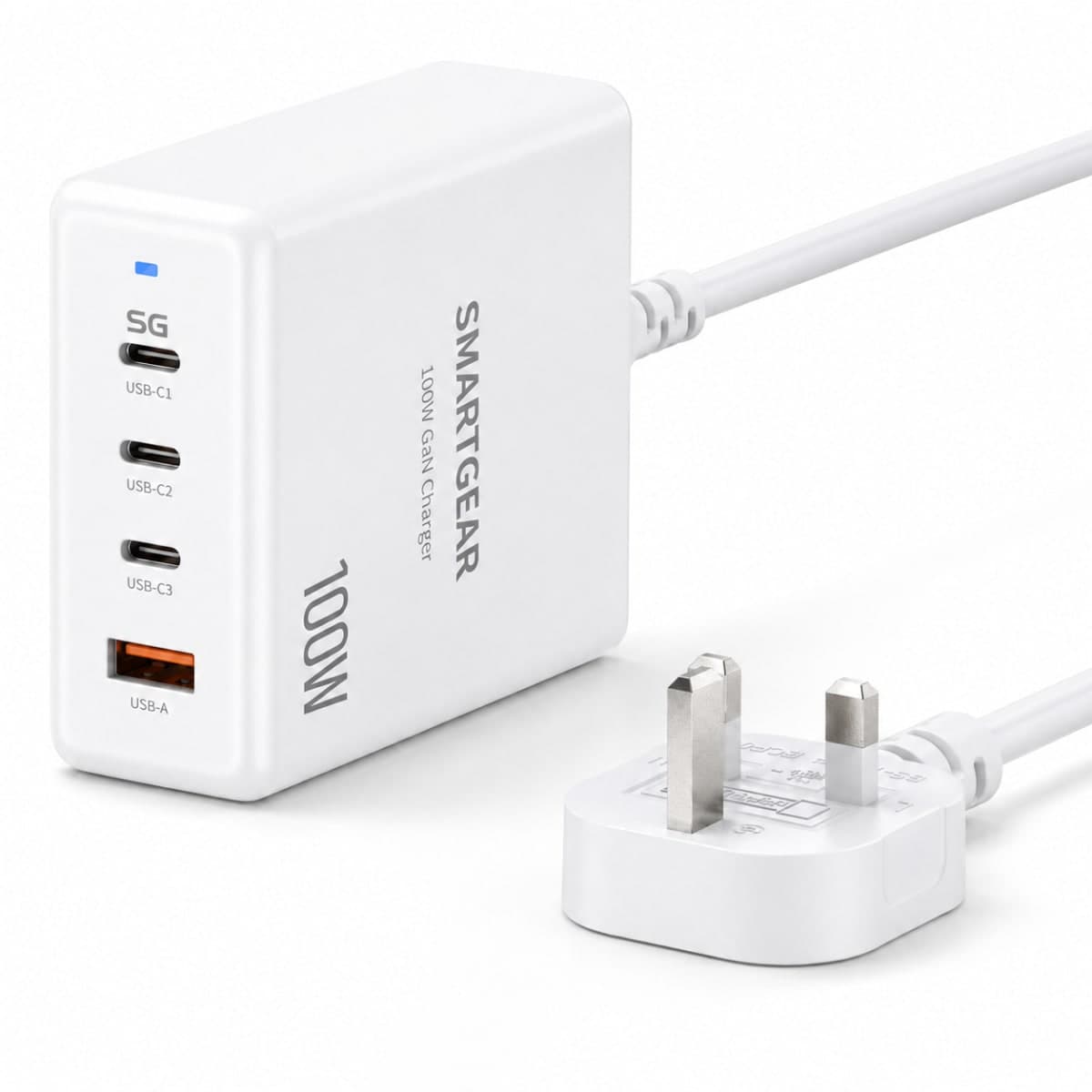
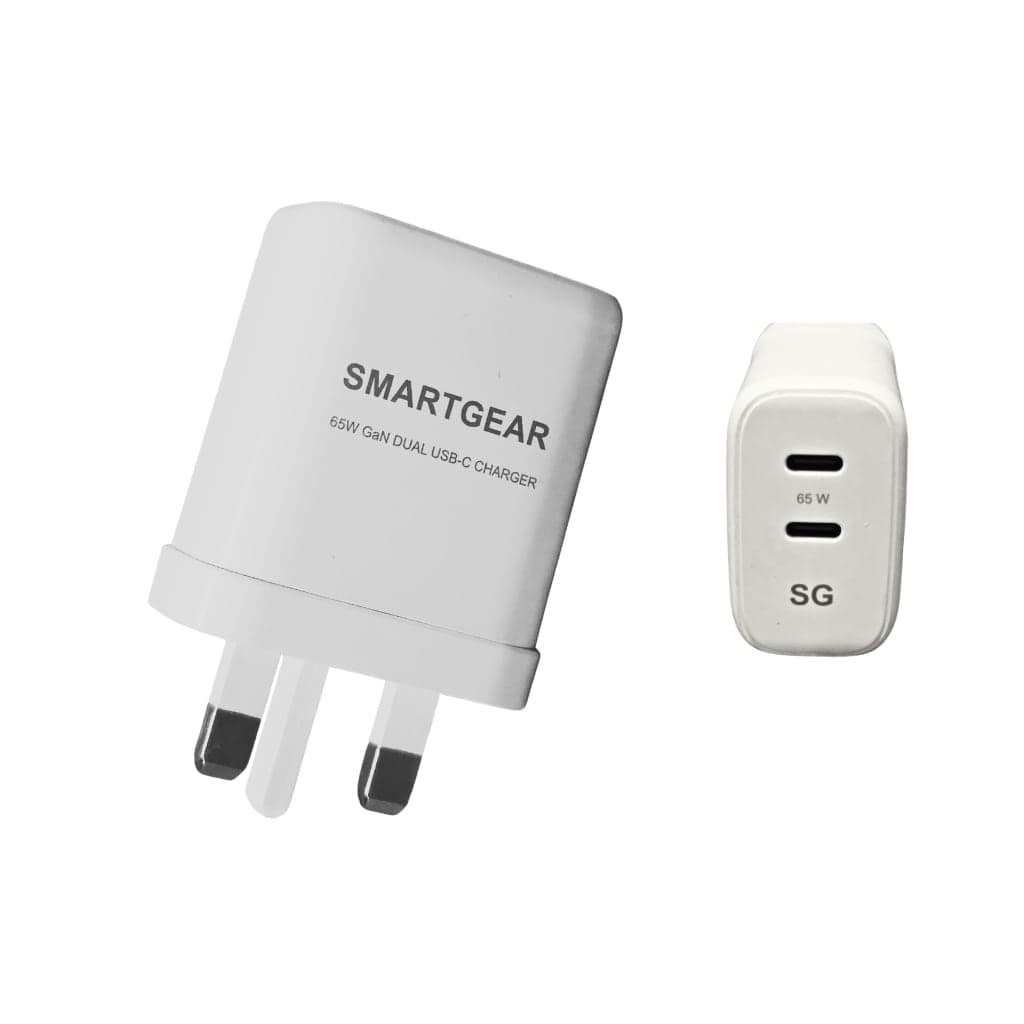
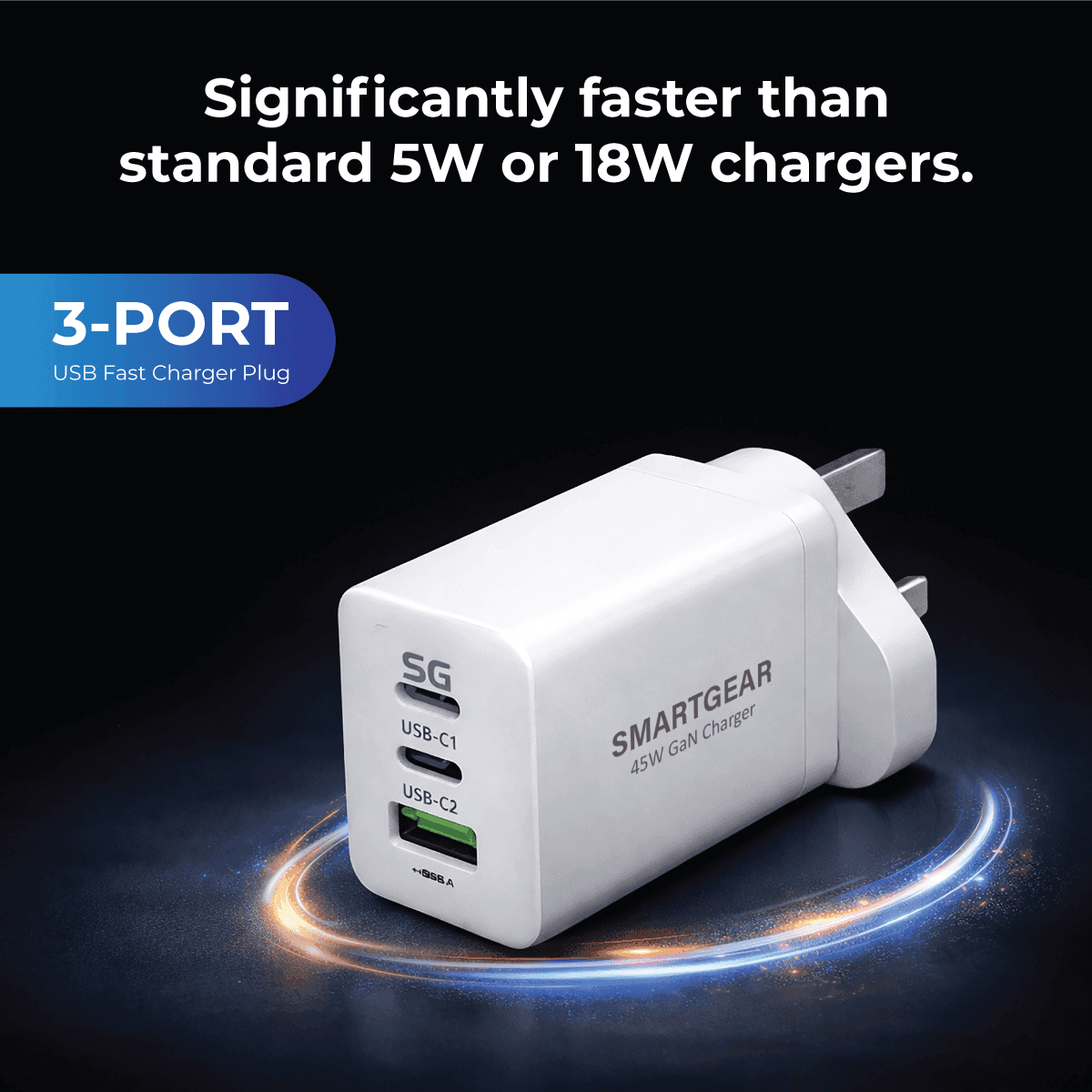
Power for the laptop your drive plugs into
All productsSmartGear makes chargers, not drives. For the laptop and devices on your desk, from £13.49.
We have all been there: you go to capture a family moment and that dreaded "Storage Full" notification pops up. Running out of space remains a top tech frustration for most UK households — yet finding the right solution often feels overwhelming for non-experts.
Figuring out how to choose the right storage capacity begins with understanding your digital box. Think of a Gigabyte (GB) as a single photo album, whereas a Terabyte (TB) is a massive library holding hundreds of high-definition films. Protecting that library means choosing between traditional hard disk drives (HDDs), lightning-fast solid-state drives (SSDs), or a home network drive (NAS).
Monthly subscription fees are an expensive trap. Industry data reveals that relying on cloud storage easily doubles your expenses over just two years compared to buying physical storage once.
The Reliable Record Player: Why External Hard Drives Are the Kings of Mass Storage
We all have decades of photos and home videos that desperately need a safe digital home. An external hard drive is brilliant for this massive task because it works just like a classic record player. Inside the casing, mechanical platters — which look like tiny metal CDs — spin around while a delicate arm reads your files.
This spinning technology is older, offering incredible price-per-GB value compared to modern chips. A 2TB portable hard drive holds roughly 500 movies, while an 8TB unit easily stores a whole lifetime of memories — ideal when searching for the best budget external hard drives for students or families wanting to back up their household laptops.

HDDs offer unbeatable capacity-per-pound for cold storage; SSDs win on portability and speed
Because they rely on moving parts, these devices must sit on a flat, stable surface — making a hardisk external better suited to your desk than your commuter bag. When comparing SSD vs HDD for long-term storage, the traditional drive wins simply by offering massive archiving space for pennies.
Yet, that spinning metal disc means it takes longer to open heavy folders. If you are editing video or want lightning-fast transfers, you will need a device without moving parts. External SSDs solve this bottleneck by saving you hours of waiting.
The Smartphone Speed: How External SSDs Save You Hours of Waiting
Unlike older models, an external SSD (Solid State Drive) works just like your smartphone, using flash memory chips instead of fragile spinning discs. Because they have zero moving parts, solid state hard drives external easily survive being bumped in a rucksack on the morning commute — making a reliable external SSD the perfect companion for students and remote workers.
This chip-based technology unlocks incredible transfer throughput, meaning massive files move almost instantly. If you want the fastest USB-C external SSD speeds for editing video directly from the drive, or need the best external SSD for gaming UK to load PS5 titles without stuttering, solid-state is essential.
Time to transfer a 50GB file (one 4K movie collection)
While these lightning-fast drives are brilliant for active daily tasks, households often need a solution that shares media across the entire home automatically. That is where a NAS comes in.
Your Private Netflix: Why a NAS Server is the Ultimate Home Library
Are you tired of endless monthly fees just to keep family photos safe? When weighing cloud storage vs physical external drives, the ultimate middle ground is network attached storage (NAS) — essentially your own private version of Google Drive or iCloud.
Think of this clever device as a digital library that connects directly to your home Wi-Fi router, letting everyone in the house access files simultaneously without passing a cable around. This effortless sharing is why many households look for affordable network attached storage for beginners, allowing parents to organise holiday snaps while kids seamlessly stream films using top-rated NAS drives for Plex media server applications.
Such "set it and forget it" convenience creates the perfect central hub for a small home office. Setting up a home NAS server is surprisingly straightforward — you plug the box into your router, install the drives, and you have built a massive, secure digital safe accessible from your phone even while commuting.

A NAS connects to your router and serves files to every device in your home simultaneously
Buying your wireless home cloud from SmartGear Outlet means you purchase the space once, completely ditching monthly subscriptions. The UGREEN NASync range is the best-value NAS available in the UK right now.
UGREEN NASync — Your Private Cloud from £189.99
4 models for every use case: family storage, Plex server, Docker home lab, or professional video editing. All include AI photo album, RAID support, and no monthly fees.
UGREEN NAS Range — All Models

NASync DH2300
2-Bay SATA · Rockchip 8-Core
- 64TB max storage
- AI photo album
- 4K HDMI output
- NFC tap-to-connect

NASync DXP4800 Plus
4-Bay + 2× M.2 · Intel Pentium Gold 5-Core
- 10GbE + 2.5GbE LAN
- Docker support
- RAID 0/1/5/6/10
- 8GB DDR5

NASync DXP480T Plus
4× NVMe M.2 Only · Intel Core i5-1235U 10-Core
- All-flash NVMe
- Thunderbolt 4 (40Gbps)
- Wi-Fi 6
- 8K HDMI output

NASync DXP8800 Plus
8-Bay SATA + 2× M.2 · Intel Core i5-1235U 10-Core
- 288TB max capacity
- 2× 10GbE ports
- PCIe expansion
- 16GB DDR5
All prices include UK VAT. Drives not included — sold separately. Ships direct from UGREEN UK.
Pro-Level Performance: NVMe and Video Editing Value
While a home NAS is perfect for everyday family sharing, editing 4K video or playing massive modern games requires raw, uninterrupted speed. You might notice that even a standard SSD can stutter when scrubbing through high-quality video footage — because older drive technology cannot feed heavy data to your computer fast enough.
To solve this, creative professionals turn to NVMe — a turbo-charged communication method that lets the drive talk directly to your processor. The benefits of NVMe external drives for video editing mean massive files load instantly, drastically reducing render wait times. To unlock these fastest USB-C external SSD speeds, you must plug into the small, oval-shaped USB-C port on modern laptops — not the older rectangular USB slots that act like traffic jams for your data.
The UGREEN NASync DXP480T Plus takes this a step further: it is an all-flash NAS using four NVMe M.2 drives with Thunderbolt 4 (40Gbps) connectivity. Video editors get server-class speed with personal-cloud convenience — no compromises.
UGREEN NASync DXP480T Plus — All-Flash NVMe NAS (£716.99)
Intel Core i5-1235U · 10-Core · Thunderbolt 4 · Wi-Fi 6 · 8K HDMI. The fastest home NAS money can buy — designed for video editors and creative professionals.
The Digital Insurance Policy: RAID and Secure Backups
Your digital life deserves proper protection against disaster. While manually copying files helps, true peace of mind comes from automatic backup software for external drives, which does the hard work quietly in the background. For extra security — particularly if you travel — look for portable hard drives with hardware encryption, acting like an unbreakable digital padlock.
Hardware can still suffer accidental damage, leading many to ask: what is RAID and why do I need it? Simply put, it is a hardware safety net where a multi-drive system automatically writes the exact same file to two separate disks at once. If one drive physically breaks, your data survives instantly on the other. The UGREEN NAS range supports RAID 0, 1, 5, 6, and 10.
The Golden Rule of Three Backup Checklist
Following this simple routine ensures a dropped laptop or spilled cup of tea never erases your irreplaceable memories.
Smart Shopping: Capacity Guides and Refurbished Reliability
Selecting the ideal drive size starts with knowing exactly what you plan to save. Think of a 1TB drive as a digital filing cabinet holding roughly 250,000 photos or 250 high-quality movies. While 1TB easily protects decades of family memories, heavy video creators might need 5TB or more.
Families & students — photos, documents, laptop backups
Content creators — HD/4K video projects & archives
Home offices & NAS arrays — full business data backup
Shoppers often question refurbished vs new storage drives reliability, but buying renewed is actually incredibly safe. At SmartGear, "refurbished" means a device is rigorously tested, securely wiped, and restored to factory standards — giving you new-device performance for far less money.

Your 3-Step Storage Action Plan: From Cluttered to Organised
You no longer need to panic when that dreaded "Storage Full" message appears. Whether you need a simple hard drive for family photos, a lightning-fast SSD, or secure data backup solutions for a small business using a NAS, you now have the confidence to choose your perfect digital safe.
Pick your storage type
Cold archive? Go HDD. Portable speed? Go SSD. Whole-home sharing with no fees? Go NAS.
Choose your capacity
Families: 1–2TB. Video creators: 4–8TB. Home office/NAS: 8TB+.
Set up automatic backups
Pair your drive or NAS with automatic backup software so your memories are always protected.
Replace Your Cloud Subscription — Own Your Data
The UGREEN NASync range starts at £189.99. Pay once, store unlimited. No monthly fees, no privacy concerns — your files on your server, accessible from anywhere.
Affiliate disclosure: links to UGREEN are affiliate links. We may earn a commission at no extra cost to you.
Related Guides
Related Articles
Continue learning with these helpful guides
Best Desktop Charging Stations UK (2026): GaN Multi-Device Chargers Compared
Expert guide to the best GaN desktop charging stations in the UK. Multi-port chargers compared for power output, port count, size, and value.
Best USB-C Docking Stations & Hubs UK (2026)
CalDigit TS4, Anker 568, UGREEN Revodok Max and budget picks tested. Thunderbolt 4 vs USB-C compared.
Best Laptop Chargers UK 2026: Complete Buying Guide
GaN III technology, USB-C PD 3.1, wattage explained, travel chargers, off-grid power banks and UK safety standards. The complete laptop charger guide for 2026.